Your Shopify Store Is Already in ChatGPT. 5 Plays to Get It Recommended
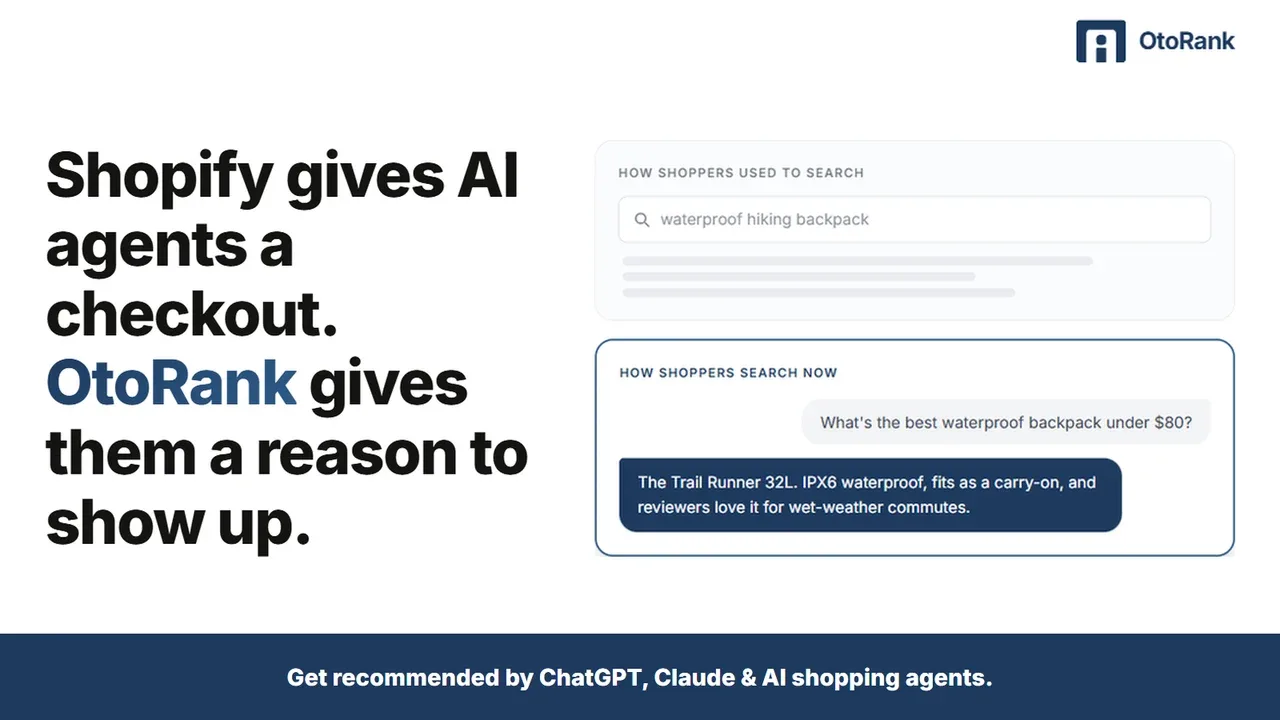
Most Shopify merchants still talk about AI shopping as something they need to "get into." They're already in. Since Shopify launched Agentic Storefronts, any store in Shopify Catalog that sells to US buyers is discoverable in ChatGPT by default, and the same catalog feeds Microsoft Copilot, AI Mode in Google Search and the Gemini app.
So the useful question isn't "Am I in?" It's this: when a shopper asks ChatGPT for a recommendation in your category, does it pick you, and does it describe your product correctly?
That now depends mostly on your own product data. Profound, which tracks AI search results, reported that the share of ChatGPT Shopping recommendations coming from product feeds jumped from about 8% to about 62% in July. In plain terms, what ChatGPT says about your products comes largely from what's in your Shopify admin. Here are the five plays we'd run, in order.
Play 1: Run the 10-minute shopper test
Before changing anything, find out what AI already thinks of you. Open ChatGPT and ask the questions your customers actually ask, not your brand name. Pull them from support emails, product reviews and chat logs. For a skincare store that might be "best fragrance-free moisturiser for sensitive skin under $40". For each answer, note three things: are you mentioned, are the price and stock right, and is the product described accurately? Then repeat in Copilot and Google AI Mode.
Keep the list of questions. It's your baseline, and it usually turns into a to-do list: a wrong material here, an out-of-date price there, a competitor showing up for a question you should own.
Play 2: Check the channel is switched on
In your Shopify admin, go to Settings > Sales channels > Agentic Storefronts. Check which AI channels are active, and decide whether you want direct checkout on for Copilot and Google AI Mode, which lets shoppers buy without leaving the chat. If you sell outside the US, check eligibility channel by channel, because the requirements differ.
Play 3: Fix the fields AI reads, not just the description
Shopify Catalog builds on the product information you submit, then structures it for AI platforms. That means the boring fields matter: product category from Shopify's standard taxonomy, product type, variant option names, and metafields like material, dimensions and compatibility. A blank category, or a variant called "Option 1", gives the AI nothing to match against a shopper's question.
Don't try to fix the whole catalog at once. Start with your 20 best sellers and the products that failed the shopper test in Play 1.
Play 4: Write descriptions that answer the comparison question
Shoppers don't ask AI "tell me about this shoe." They ask "is this better than X for Y?" A description written as brand copy can't answer that.
Before: "Our best-selling trail shoe, built for adventure."
After: "Trail running shoe with a 6 mm drop and a lugged rubber outsole for wet, rocky ground. Runs half a size small. Choose our Road model instead if you mostly run on pavement, as it's lighter and more cushioned."
The second version says who it's for, what it's made for, how it fits, and when to buy something else. That last part feels risky, but it's exactly what makes an AI trust a product page enough to recommend it. Then add short product FAQs using the real questions from Play 1.
Play 5: Make reviews and policies easy to quote
OpenAI says ChatGPT may weigh price, reviews and ease of use when it picks products, and it shows review summaries built from public reviews. A five-star rating with no text gives it little to work with. In your review request emails, ask customers how they used the product and who it suited.
Do the same for your shipping and returns policies. Shopify Catalog passes store policies to AI platforms along with price and availability, so a vague or outdated returns policy is an easy reason for an AI to suggest someone else.
What to skip for now: llms.txt
You'll see llms.txt on a lot of AI checklists. It's a cheap file to add, but four independent studies covering more than 500 million AI bot visits found AI crawlers almost never request it, and OpenAI hasn't said GPTBot uses it. Add one if you like, but do Plays 1 to 5 first. They're what actually changes the answers shoppers see.
How to know it worked
Re-run the exact questions from Play 1 about four weeks after your changes. Same questions, same AI tools. Count how often you're mentioned and how many descriptions are now accurate. Orders from ChatGPT also show up in your Shopify admin with ChatGPT referral attribution, so you can see whether the visibility turns into sales.
Disclosure: I'm a co-founder of Otolab. We built OtoRank (https://apps.shopify.com/otorank-ai) to speed up Plays 3 to 5. It scores every product for AI visibility, drafts FAQs, comparison-ready descriptions and schema, and nothing is published without your approval. There's a free plan if you want to see your scores first. More at https://otorank.otolab.ai
About this article
- Platform
- Shopify
- Reading time
- 5 min
- Written by
- Girish Mulchandani