

Tiny SEO Speed Image Optimizer
by TinyIMG
Improve webpage speed, compress images, optimize SEO, use ALT text, apply JSON.
Free plan · From $14/mo · 7d trial
Grow with ShopDigest. Programs for experts, developers and store owners.
With PixPix Image Editor, you can quickly change your product images by resizing, cropping, or adjusting them. Edit Photos, Optimize Image SEO, Remove Logo/Watermark & Resize Photos.
Pros and cons of PixPix Image Editor
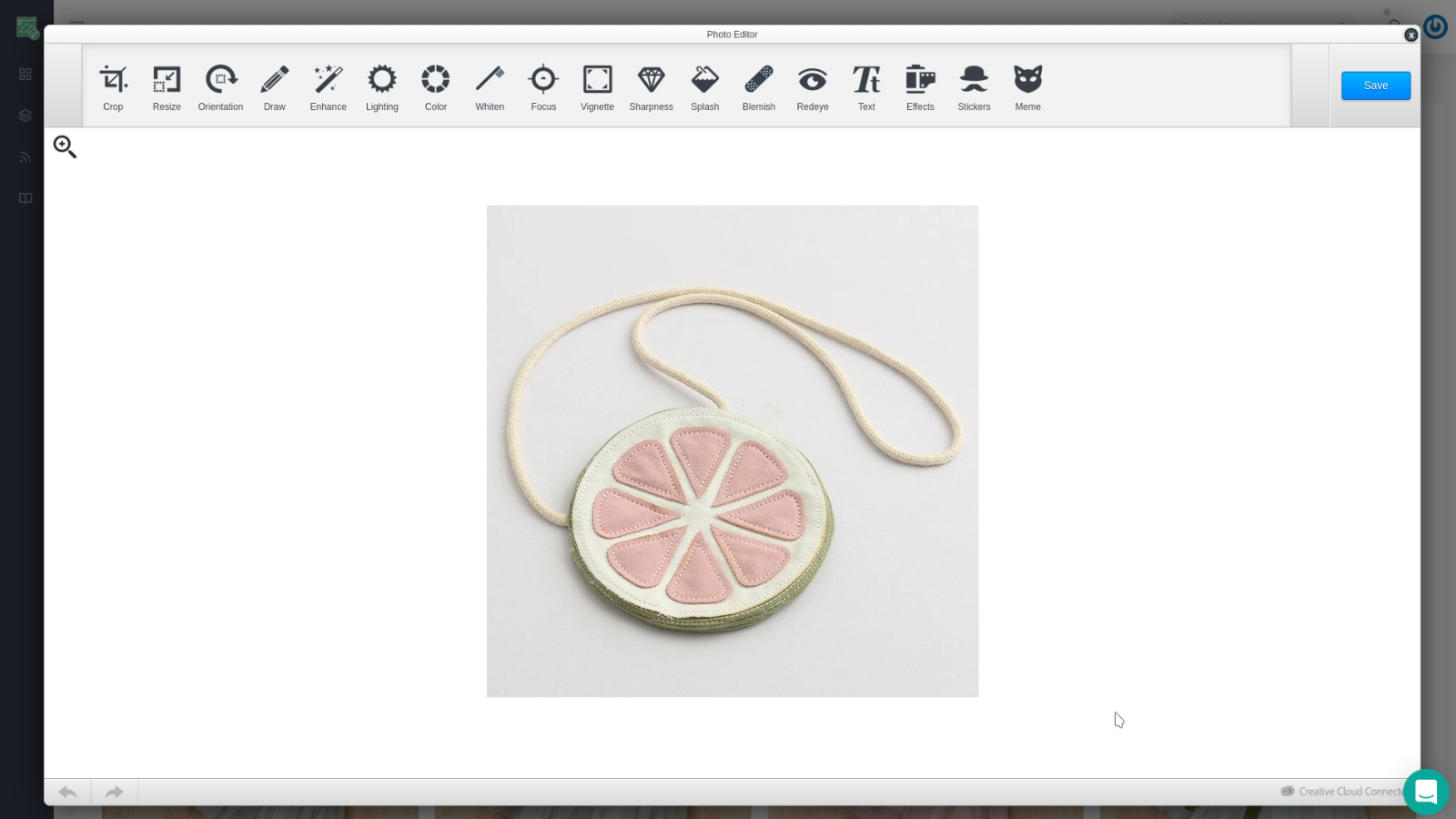
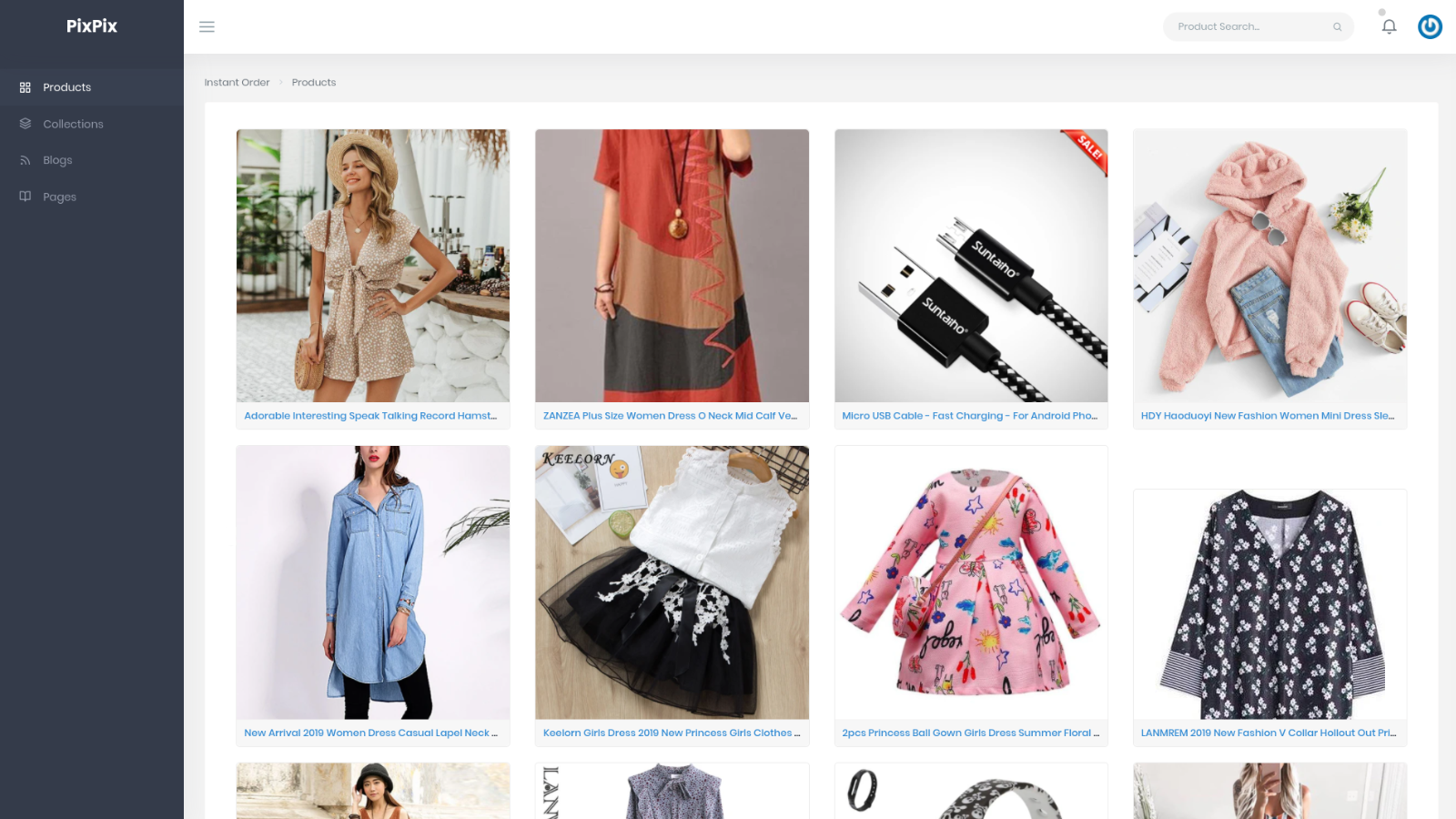
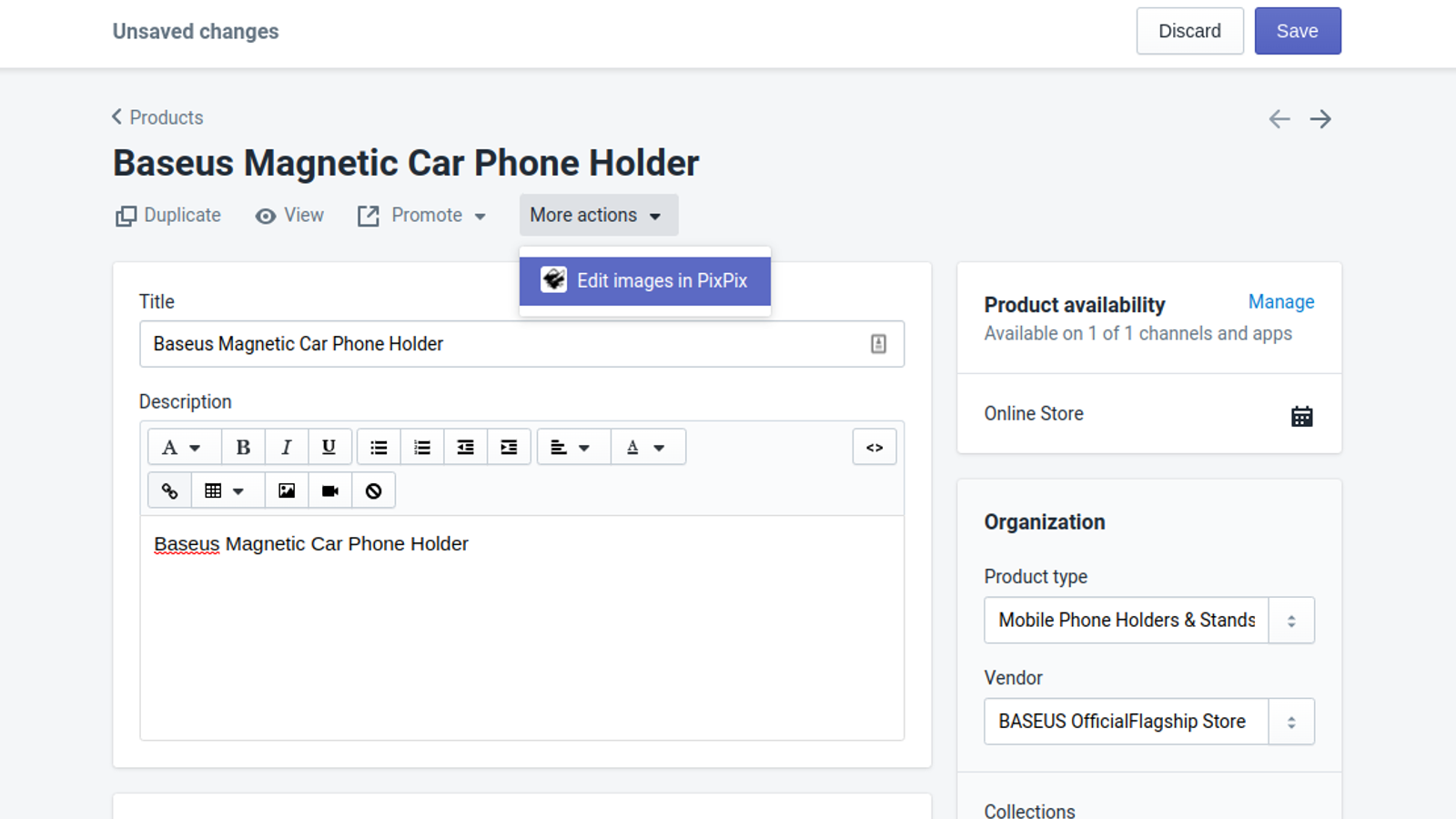
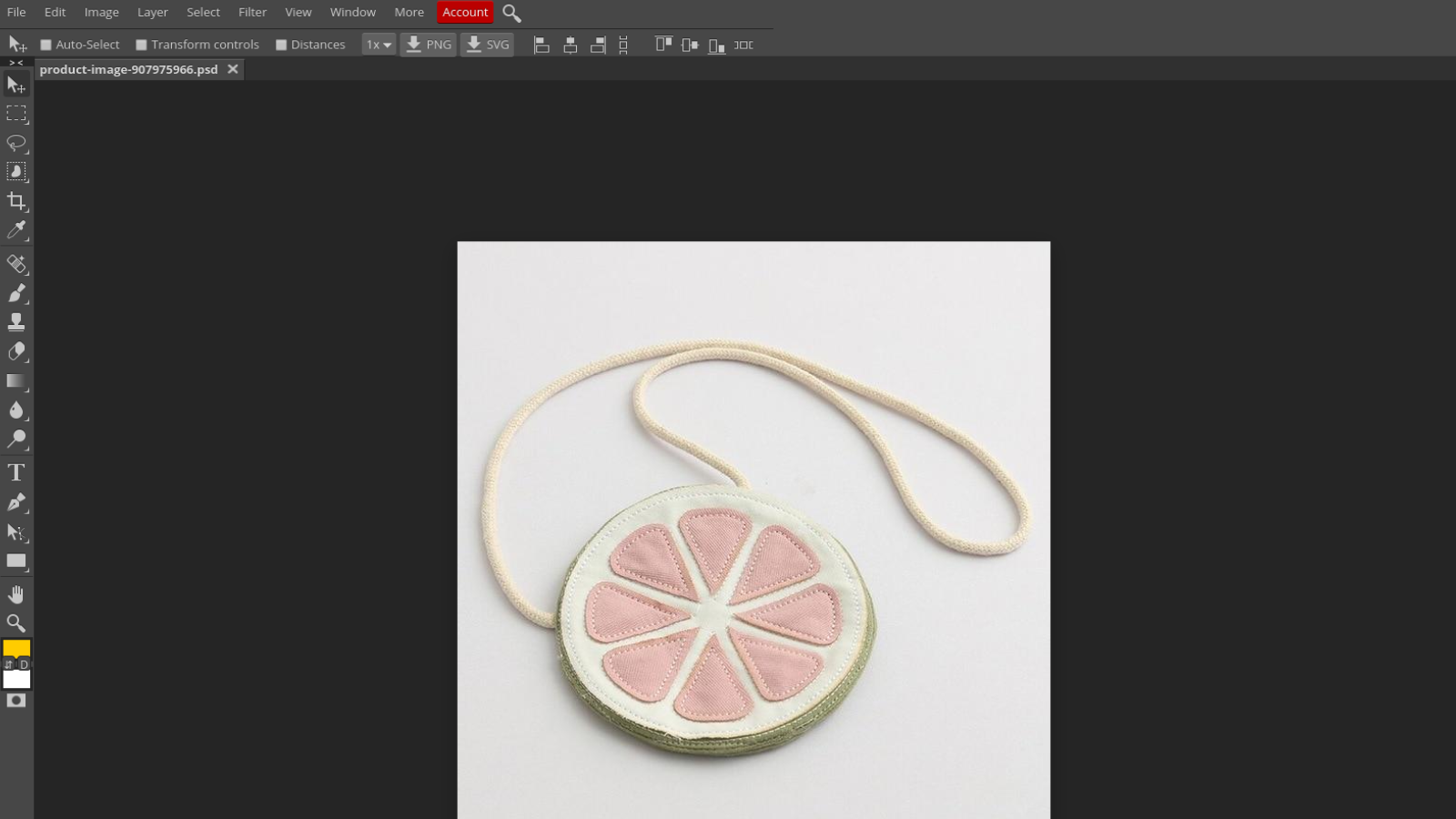
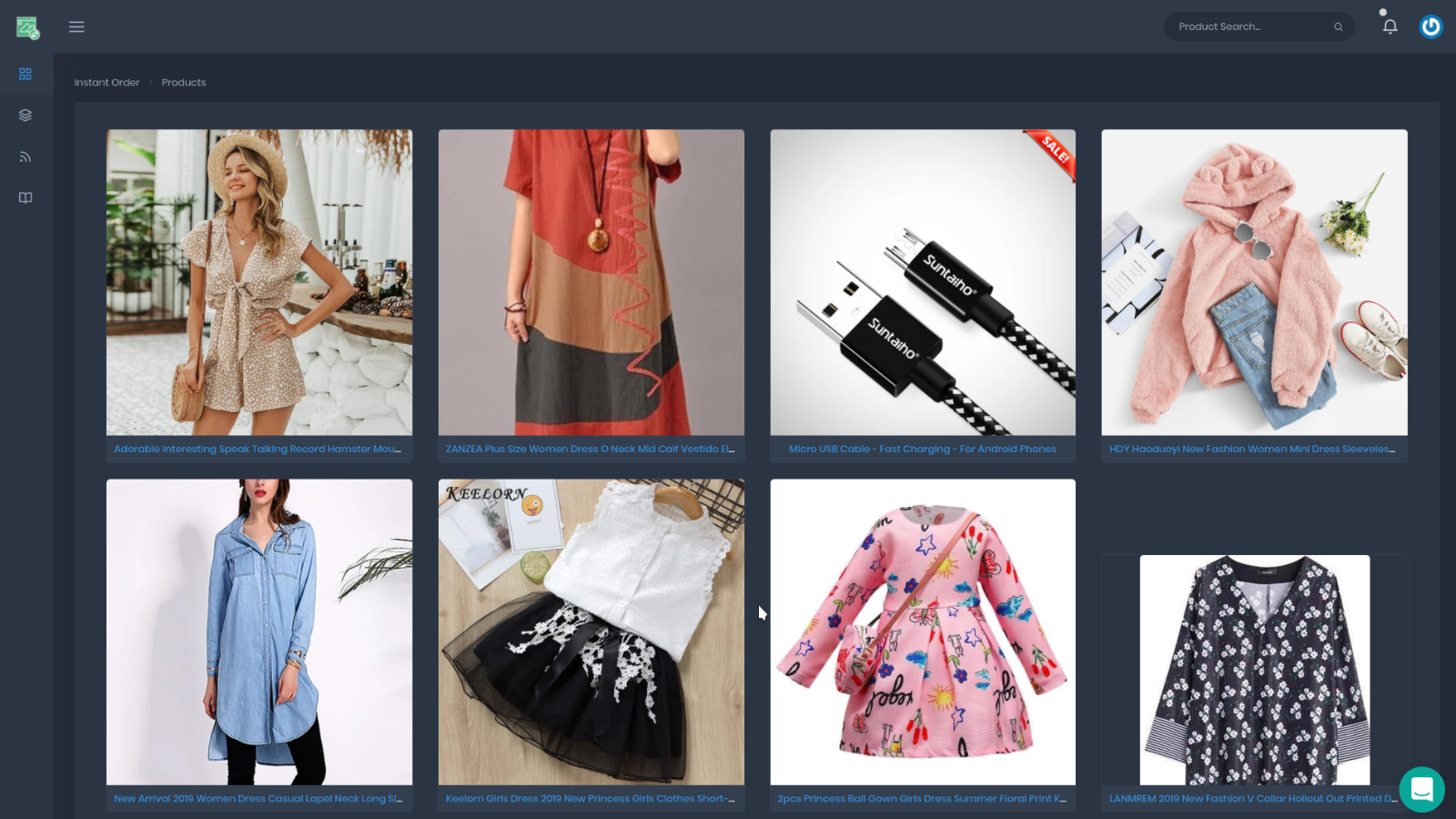
Edit Photos, Optimize Image SEO, Remove Logo/Watermark & Resize Photos.
PixPix Image Editor pricing plans
Not sure which plan to pick? Discuss Free plan or Pro plan plans with us, learn about custom pricing, or get a demo.
The app has 2 pricing plans: 1 free and 1 paid. The free plan offered by PixPix Image Editor is Free plan. The paid plan offered by PixPix Image Editor is Pro plan.
The details of the plans are outlined below.
| Pricing summary | Free plan available. Free trial available. |
| Total pricing plan(s) | 2 |
| Number of free plan(s) | 1 |
| Number of paid plan(s) | 1 |
| Cost of paid plan(s) | $9.99 |
| Free trial available | Yes, for 7 day(s) |
The table below highlights the crucial differences between PixPix Image Editor and similar other Shopify apps based on parameters like ratings, reviews, features, pricing, etc.
| Apps | Add app | |||
| General information | ||||
| Ratings | 4.7 ★ (27 reviews) | 5.0 ★ (2,545 reviews) | 3.9 ★ (36 reviews) | |
| Developed by | PixPix | TinyIMG | PhotoRoom | |
| Launch date | 29 April 2019 | 12 June 2019 | 6 March 2023 | |
| Pricing | Free, $9.99/month | Free, $14/month, $23/month, $49/month | Free | |
| Objective | Edit Photos, Optimize Image SEO, Remove Logo/Watermark & Resize Photos. | Improve webpage speed, compress images, optimize SEO, use ALT text, apply JSON. | Bulk edit product photos: optimized, consistent catalog images | |
| Categories | Image editor | SEO, Image editor | Image editor, Bulk editor | |
| Key features & highlights | ||||
| Purpose | With PixPix Image Editor, you can quickly change your product images by resizing, cropping, or adjusting them. | A sitemap SEO tool that optimizes images, enhances page speed with redirects and lazy load to increase website speed. | Make amazing product material quickly. | |
| Features list |
|
|
| |
| Highlights | — |
|
| |
| User reviews and ratings | ||||
| Recommended | 88.9% | 99.5% | 61.1% | |
| Pros |
|
|
| |
| Cons |
|
|
| |
| Pricing and plans | ||||
| Total pricing plans | 2 | 4 | 0 | |
| Free plan | Available | Available | Not available | |
| Free trial | Yes, for 7 day(s) | Yes, for 7 day(s) | No | |
| Technical information | ||||
| Rating | 4.7 ★ | 5.0 ★ | 3.9 ★ | |
| Total reviews | 27 | 2,559 | 36 | |
| Launch date | 29 April 2019 | 12 June 2019 | 6 March 2023 | |
PixPix is an easy-to-use image editing tool with an intuitive interface and extensive editing options. It also features a Shopify Admin link integration, allowing users to directly open and edit a product image in PixPix from the Shopify admin page.
The app is a Shopify-integrated image editing tool designed for quick and efficient product photo adjustments, serving as a replacement for Shopify’s discontinued built-in editor. It offers basic editing features such as cropping, resizing, brightness adjustments, background modifications, and sticker additions, with a user-friendly interface that simplifies on-platform editing without requiring external software. Strengths include its seamless integration with Shopify, time-saving workflow, and responsive customer support that addresses technical issues promptly. The free version covers essential functions, though some advanced features like bulk editing, filename customization for SEO, and color-picking tools are either limited or pending future updates. A few users report occasional bugs, such as inconsistent Chrome extension performance or image quality degradation. While praised for its simplicity and effectiveness, the app lacks certain advertised functionalities, such as bulk resizing or logo removal without cropping, which may limit its utility for some merchants. Overall, it is a reliable solution for basic image edits, particularly for those seeking an alternative to Shopify’s former editor.
For any questions, concerns, or assistance with PixPix Image Editor, the dedicated support team is readily available to help. To reach out to the support team, users can send an email to [email protected].
Details of the PixPix Image Editor are available in various languages on the Shopify app store, including English.
| Support email | support |
| Contact number(s) | Not available |
| FAQ page | Not available |
| Privacy policy | Privacy details |
| Language support | English |
The list of top Shopify apps, features or software tools that PixPix Image Editor seamlessly integrates with are given below.
| Name | PixPix |
| Profile | See all apps by PixPix |
| Website | View developer profile |
| Address | BP 126, Lataoua, 40100 |
How to install PixPix Image Editor on your Shopify store
Your name, email and store domain go straight to the PixPix team.
PixPix contacts you directly to arrange setup for your store.
Perfect your store’s functionality without the pressure to move on until you’re ready.
PixPix Image Editor has an overall rating of 4.6 stars from a total of 27 reviews on the Shopify app store. Of these, 24 (88.9%) are positive, 0 (0.0%) are neutral, and 3 (11.1%) are negative*.
*Ratings above four stars fall under positive review, three star reviews fall under neutral, and anything less than two stars falls under negative.
This app is an indispensable time-saver. It's at the top of the list of my most-used apps. It is easy to learn and use. It blows the doors off any other image app I have ever used for optimizing Shopify product images. Further. The app's developer has even implemented a few of my suggestions, which makes this app even better. I can not say enough good things about it. I highly recommend it.David Clifford Satin-Boutique.com
Totally LOVE this app.I found it through the forum on Shopify, I'm very happy with... Thank you !!!! Update: I totally forgot of this review, but here we are - 6 years later and still loving it :)
Hi, this app is great and easy to use, but it has one problem, although there are buttons to communicate with them or call them, but when I click on the buttons I am not redirected to any communication page..! I tried via email but it is difficult because there are no buttons to communicate with them via email..! My question is... I am subscribed to the paid plan, I tried to find a way to remove watermarks from photos but to no avail..! Does this app provide this service as well..?
This application is excellent for enhancing many of our products that require slight adjustments. Thank you. We did encounter a "Internal Server Error." After reaching out regarding the problem, they successfully resolved the issue.
It's excellent. Simple to use for basic edits. So happy with it.
Rankings, review momentum and install geography, refreshed weekly. Open the full charts for history, benchmarks and keyword detail.
Position and market share today
| Keywordphoto resize | #4 | 1.0% ▲0.7 |
| Keywordphoto editor | #8 | 0.2% ▲0.1 |
| KeywordImage editing | #40 | — |
| KeywordCropping | #52 | — |
Cumulative reviews · last 6 months
The key features offered by PixPix Image Editor to Shopify store owners are:
Yes, PixPix Image Editor seamlessly integrates with other Shopify apps or tools, such as Edit and adjust product images with two image editing tools., Easy-to-use platform to locate and edit your desired product and images., Directly access the product from the Shopify product view quickly..
Yes, PixPix Image Editor offers a 7-day free trial on all its paid plans.
The app has 2 pricing plans: 1 free and 1 paid. The paid plan cost $9.99/month, and comes with a 7-day free trial period.
PixPix Image Editor uses USD for billing, with recurring and usage-based charges invoiced usually every 30 days.
Yes, PixPix Image Editor allows its subscribers to cancel or upgrade their subscription plan at any time.
Yes, PixPix Image Editor offers a dedicated support team for any kind of app-related assistance. To reach out to the support team, users can send an email to [email protected].
Please reach out to their support team at [email protected] to confirm its compatibility with your specific Shopify theme.
Improve webpage speed, compress images, optimize SEO, use ALT text, apply JSON.

Make amazing product material quickly.

Most popular Shopify apps on the market

Product reviews with pictures and videos for credibility and search engine optimization.

Display your products to billions of TikTok users.

Simplify all tasks and focus on your business.

Marketing with Social Proof: Using Product Reviews, Referrals, and Upselling
Writing reviews on ShopDigest is coming soon.
This app is an indispensable time-saver. It's at the top of the list of my most-used apps. It is easy to learn and use. It blows the doors off any other image app I have ever used for optimizing Shopify product images. Further. The app's developer has even implemented a few of my suggestions, which makes this app even better. I can not say enough good things about it. I highly recommend it.David Clifford Satin-Boutique.com
Totally LOVE this app.I found it through the forum on Shopify, I'm very happy with... Thank you !!!! Update: I totally forgot of this review, but here we are - 6 years later and still loving it :)
Hi, this app is great and easy to use, but it has one problem, although there are buttons to communicate with them or call them, but when I click on the buttons I am not redirected to any communication page..! I tried via email but it is difficult because there are no buttons to communicate with them via email..! My question is... I am subscribed to the paid plan, I tried to find a way to remove watermarks from photos but to no avail..! Does this app provide this service as well..?
This application is excellent for enhancing many of our products that require slight adjustments. Thank you. We did encounter a "Internal Server Error." After reaching out regarding the problem, they successfully resolved the issue.
It's excellent. Simple to use for basic edits. So happy with it.
I have been using this app for some time now (the free version), and it has been extremely helping! The search bar is fast and responsive all the time. Thank you for your service!
This app is amazing! I have been looking for an app with these functions for a long time. Everything is very customizable according to your needs. I find very useful add stickers to the products. Then in also very nice to modify product's image directly in the app, without open other programs. The great thing is that the customer service is great too! They were very kind and very efficient. They solved everything in a few moments with great competence. Excellent app, highly recommended to everyone, surely I will also try the other apps of this company. Thanks!!!
Very easy to use. Sharp results. Save a lot of time, no needtoadapt pictures locally and reload. Works direcly on pics stored online.
ShopDigest is an independent directory of Shopify work. Developers, agencies and experts publish the projects they’ve actually shipped — migrations, rebuilds, custom apps, headless storefronts — with the results attached.
For merchants, that means judging a partner on evidence instead of a sales page: browse real builds in your category and budget, then reach out directly. For builders, it means one profile that keeps working after the project ships.
No commissions, no pay-to-rank placements. The best work rises because people save and follow it.
More about ShopDigestA portfolio directory for the Shopify ecosystem — builders publish, merchants browse, nobody buys a better position.