Top 3 TableFlow Specification Table Shopify App Alternatives & Similar Apps
Are you currently using TableFlow Specification Table for your Shopify store, but you're curious about other options available in the market? Look no further! We present you with 3 outstanding alternatives to TableFlow Specification Table, carefully selected to meet a variety of e-commerce needs.
Find the right app for your store
Sign in and we shortlist the TableFlow Specification Table alternatives that fit your setup.
Continue with Google
iTable Compare & Pricing Table by Identixweb Limited
Make and manage attractive tables effortlessly.
- Highly responsive and helpful support team, often resolving issues quickly and providing personalized assistance.
- User-friendly design with straightforward navigation and ease of use for creating and managing tables.
- Flexible customization features, including CSS adjustments, to match brand aesthetics and specific needs.
- Some users found the need for CSS or coding knowledge limiting, especially for advanced customizations.
Summary
About the App
iTable Compare & Pricing Table, a TableFlow Specification Table alternatives Shopify app, has achieved 102 reviews and an average rating of 4.9 stars since its launch 8 years ago. Designed to assist Shopify merchants with - "Make and handle appealing tables to improve the experience of visitors." it is a valuable addition to the TableFlow Specification Table alternatives app lineup.
Top Features:
TableFlow Specification Table alternatives Shopify apps can help elevate your e-commerce game. iTable Compare & Pricing Table offers a host of key features, including:
- Table Creation:You can make tables and put them on any page of your website.
- Excel Importation:Upload tables from Microsoft Excel in XLS and CSV formats.
- Table Exportation:You can export tables in CSV or Zip formats.
- Table Customization:You can personalize each table with your own CSS as needed.
- Data Table Management:Simple to make detailed data tables with search box, page turning, and filtering options.
Pricing Details
iTable Compare & Pricing Table offers 1 free plan and 3 paid plans.
Considering installing this TableFlow Specification Table alternatives Shopify app? Explore the pricing details and discover if they align with your budget and needs.
Explore · $0/month
Included features: Create 1 table, No limit with functionality, Unlimited data per table, Unlimited rows & Column, Design templates
Basic · $4.99/month
Included features: Create 5 tables, Pricing Table, Product Comparison Table, Size Chart and Size Guide, Design Beautifully Data tables
Advance · $7.99/month
Included features: Create 10 tables, Pricing Table, Product Comparison Table, Size Chart and Size Guide, Design Beautifully Data tables
Unlimited Tables · $9.99/month
Included features: Create unlimited Tables, Pricing Table, Product Comparison Table, Size Chart and Size Guide, Design Beautifully Data tables
Pros and Cons
Delve into ShopDigest's expert insights on iTable Compare & Pricing Table - a TableFlow Specification Table alternatives Shopify app. Our analysis of Shopify app store reviews presents unique pros and cons, allowing you to make informed decisions for your business. Read our full iTable Compare & Pricing Table TableFlow Specification Table alternatives App review.
- Highly responsive and helpful support team, often resolving issues quickly and providing personalized assistance.
- User-friendly design with straightforward navigation and ease of use for creating and managing tables.
- Flexible customization features, including CSS adjustments, to match brand aesthetics and specific needs.
- Works well with websites, allowing easy embedding of tables into product pages and other sections.
- Reliable and quick loading of tables, enhancing user experience.
- Efficient handling of data through CSV files, simplifying table creation and updates.
- Tables adapt well to different devices, ensuring a good mobile experience.
- Clear guidance and support resources available for users.
- Enables dynamic display of complex product data with minimal effort.
- Considered good value for the features and support provided.
- Some users found the need for CSS or coding knowledge limiting, especially for advanced customizations.
- Reports of tables flickering or not loading properly on initial page visits.
- Absence of a drag-and-drop feature for table placement, requiring manual code insertion.
- Some users expressed dissatisfaction with recent price increases.

ILM Size Chart & Size Guide by ILM TECH
Size charts & size guides with templates, translation, and CSS
- The app is consistently praised for its intuitive and straightforward setup and operation.
- Quick and effective responses from the support team are frequently highlighted.
- The app delivers all necessary features for managing and displaying size charts effectively.
- Some users expressed a need for bulk upload capabilities from Excel or CSV files.
Summary
About the App
ILM Size Chart & Size Guide, a TableFlow Specification Table alternatives Shopify app, has achieved 47 reviews and an average rating of 4.9 stars since its launch 2 years ago. Designed to assist Shopify merchants with - "Size charts and guides appear on product pages. Help shoppers find their fit and reduce returns." it is a valuable addition to the TableFlow Specification Table alternatives app lineup.
Top Features:
TableFlow Specification Table alternatives Shopify apps can help elevate your e-commerce game. ILM Size Chart & Size Guide offers a host of key features, including:
- Pre-made size chart templates & add multiple size tables, Images, Text, Videos.
- Assign size chart to specific collections, products, vendors, types and tags.
- Choose from versatile display options: Floating, Inline, or Block size chart.
- Auto-translate size chart content into multiple languages with a few clicks.
- Convert measurements between cm and inches, and style charts with custom CSS.
Pricing Details
ILM Size Chart & Size Guide offers 1 free plan and 2 paid plans.
Considering installing this TableFlow Specification Table alternatives Shopify app? Explore the pricing details and discover if they align with your budget and needs.
Free · $0/month
Included features: 2 published size charts, Pre-built size chart templates, Automatic unit conversion, Upload size chart images, Custom size chart icon & text, Mobile compatible, No watermark
Premium · $4.99/month
Included features: Unlimited Size charts, Multiple size chart tables, images, text, Condition Rule, Custom CSS, Import/Export Size Chart, * Free for Development Stores, All settings from Free Plan
Ultimate · $6.99/month
Included features: Unlimited Size charts, Multiple size chart tables, images, text, Condition Rule, Custom CSS, Import/Export Size Chart, * Translate the size chart, All settings from Premium Plan
Pros and Cons
Delve into ShopDigest's expert insights on ILM Size Chart & Size Guide - a TableFlow Specification Table alternatives Shopify app. Our analysis of Shopify app store reviews presents unique pros and cons, allowing you to make informed decisions for your business. Read our full ILM Size Chart & Size Guide TableFlow Specification Table alternatives App review.
- The app is consistently praised for its intuitive and straightforward setup and operation.
- Quick and effective responses from the support team are frequently highlighted.
- The app delivers all necessary features for managing and displaying size charts effectively.
- Users appreciate the ability to tailor size charts and utilize CSS customization.
- The app is noted for its effectiveness in stores managing multiple languages.
- The app runs smoothly and fulfills its intended purpose without issues.
- Overall satisfaction is high, with many users recommending the app.
- Some users expressed a need for bulk upload capabilities from Excel or CSV files.
- A few users reported problems with video tutorials, such as missing sound.
- Minor issues like the size conversion toggle button not appearing were mentioned.

Easy Specs by Particle Spectrum Labs, LLC
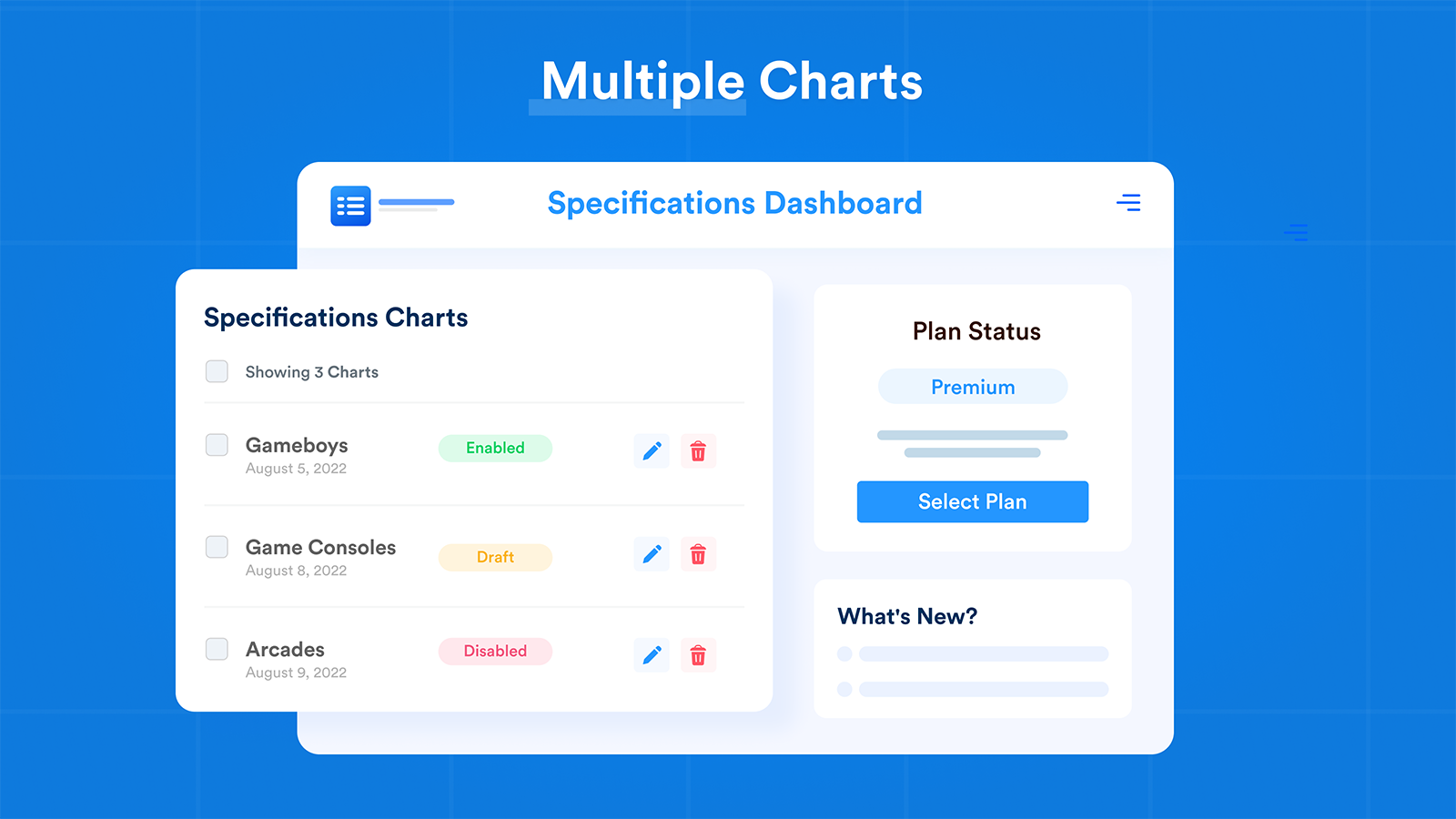
Easily handle and show product detail charts.
- The app excels at displaying product specifications and features in a structured, customizable format.
- Multiple users highlight prompt, personalized, and highly responsive assistance from the support team.
- The app is praised for its ease of use and straightforward configuration process.
- Some users report the app fails to work properly in phone mode, limiting accessibility.
Summary
About the App
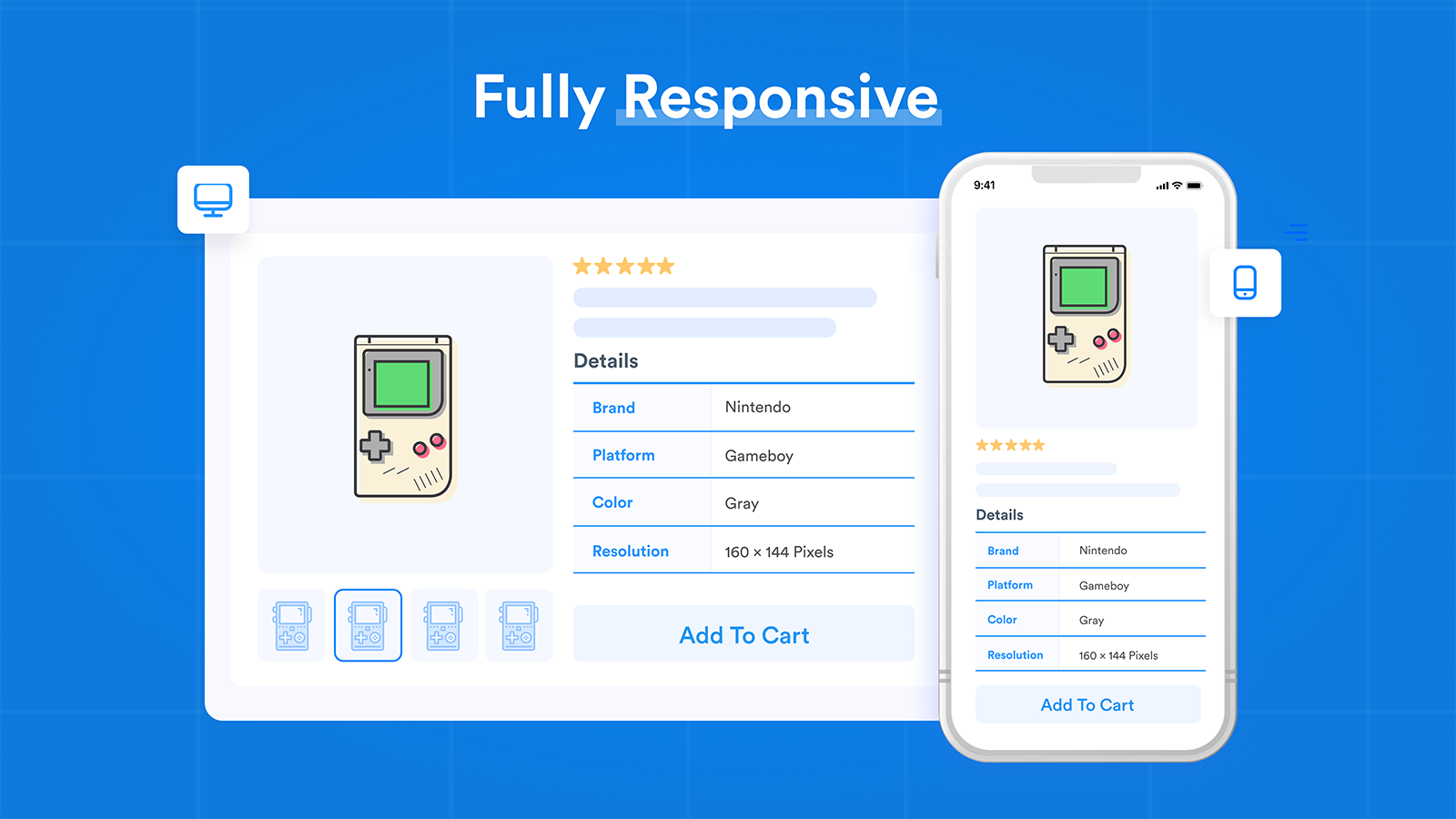
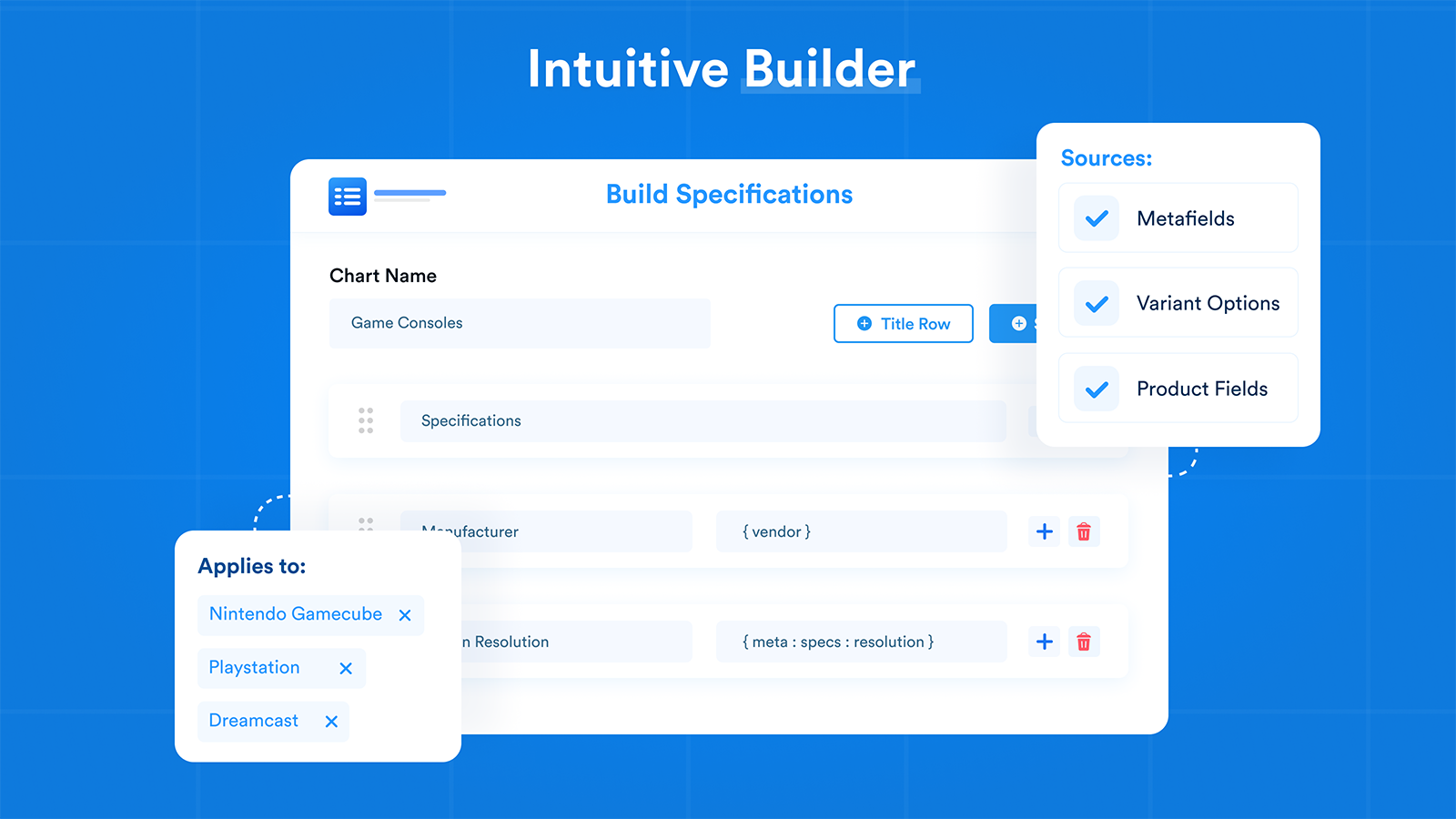
Easy Specs, a TableFlow Specification Table alternatives Shopify app, has achieved 16 reviews and an average rating of 4.8 stars since its launch 5 years ago. Designed to assist Shopify merchants with - "Quickly make spec tables for all your shop items. It allows metafields & personalization." it is a valuable addition to the TableFlow Specification Table alternatives app lineup.
Top Features:
TableFlow Specification Table alternatives Shopify apps can help elevate your e-commerce game. Easy Specs offers a host of key features, including:
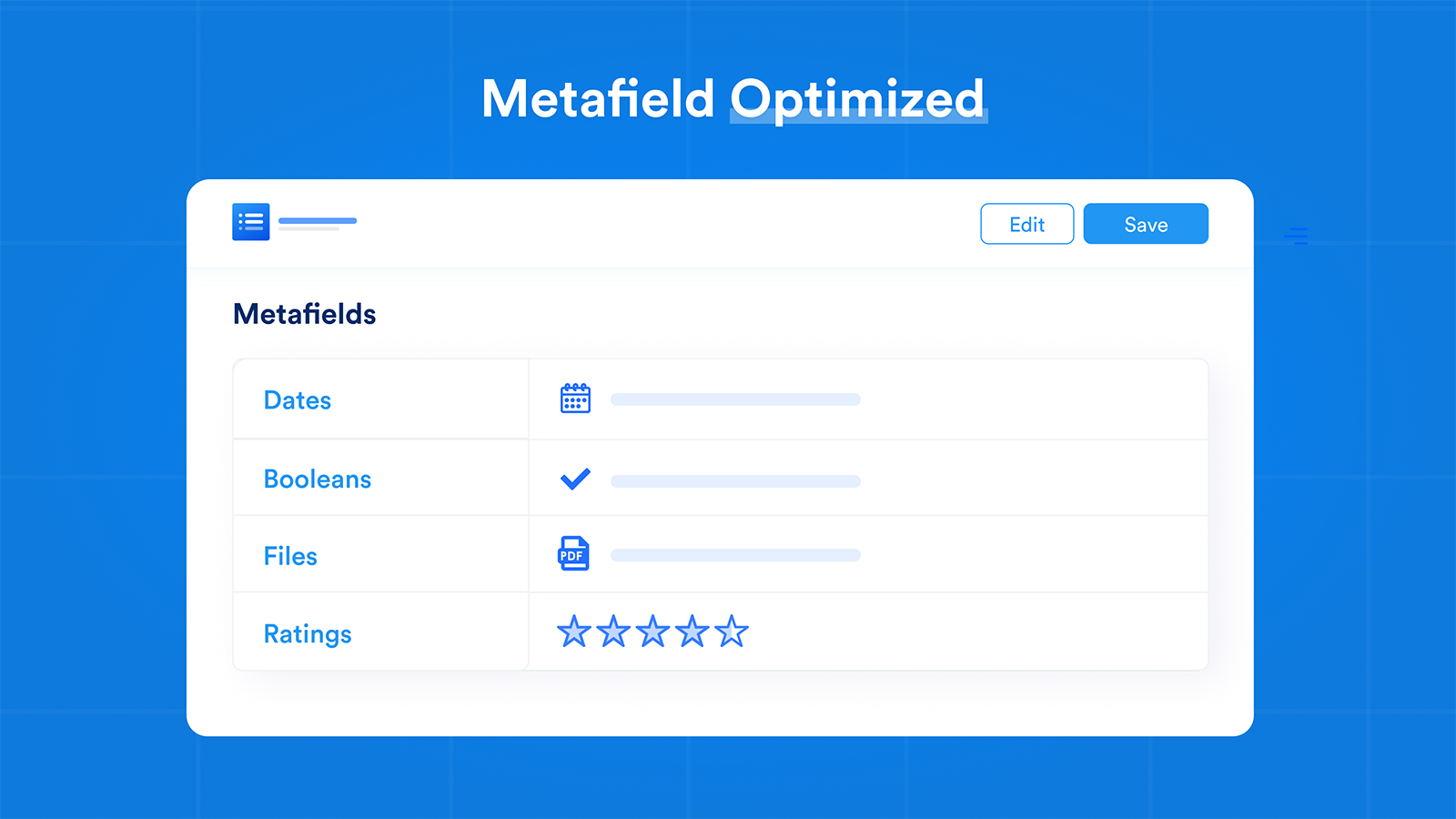
- Intelligent Metafield Display:Smart Metafield Display: Show product metafields according to their type.
- Real-time Variant Updates:Live Changes for Variants: Immediately change table data for various options.
- Dynamic Table Generation:Smart Display Logic: Display tables based on collections, tags, and types.
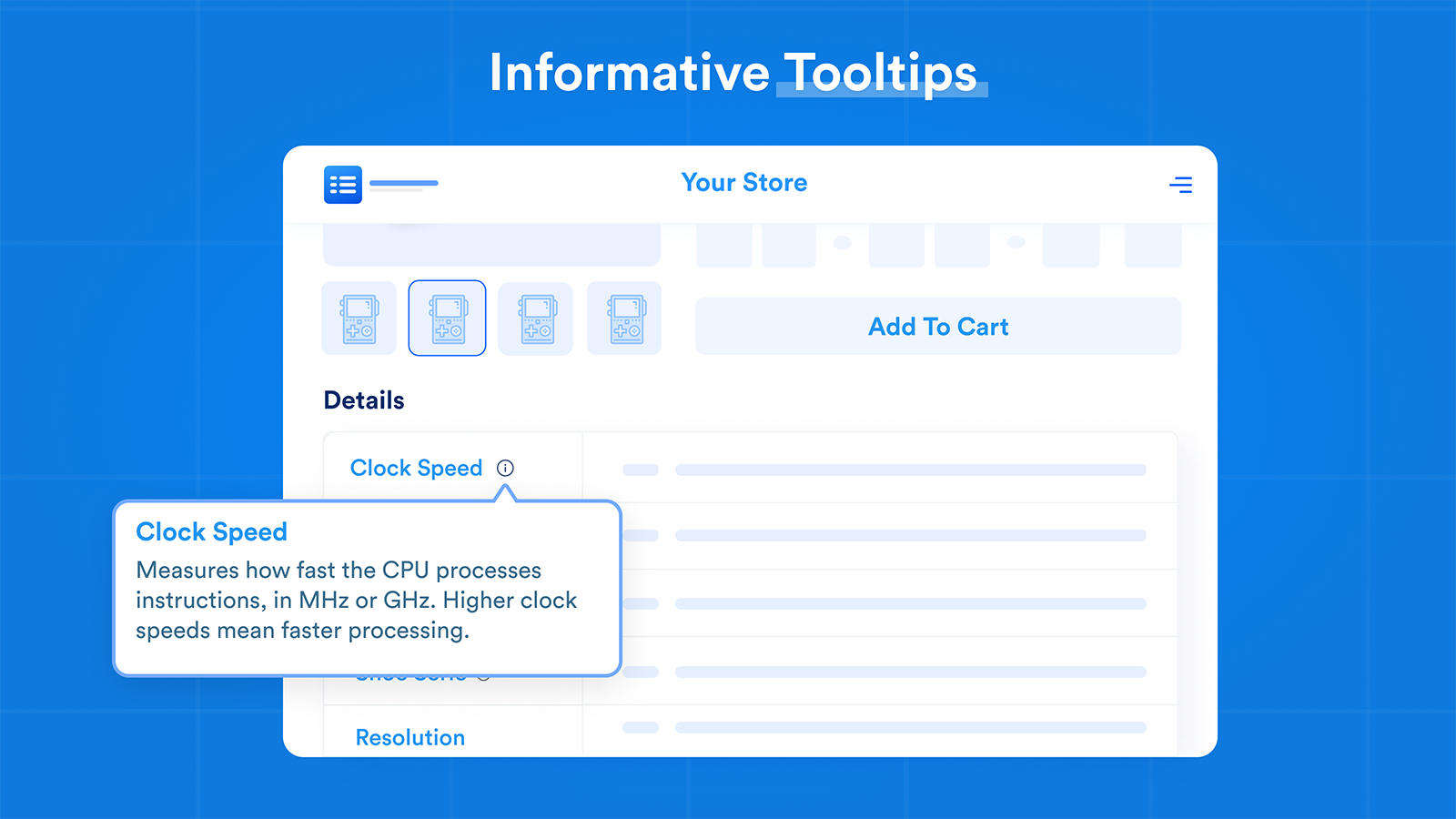
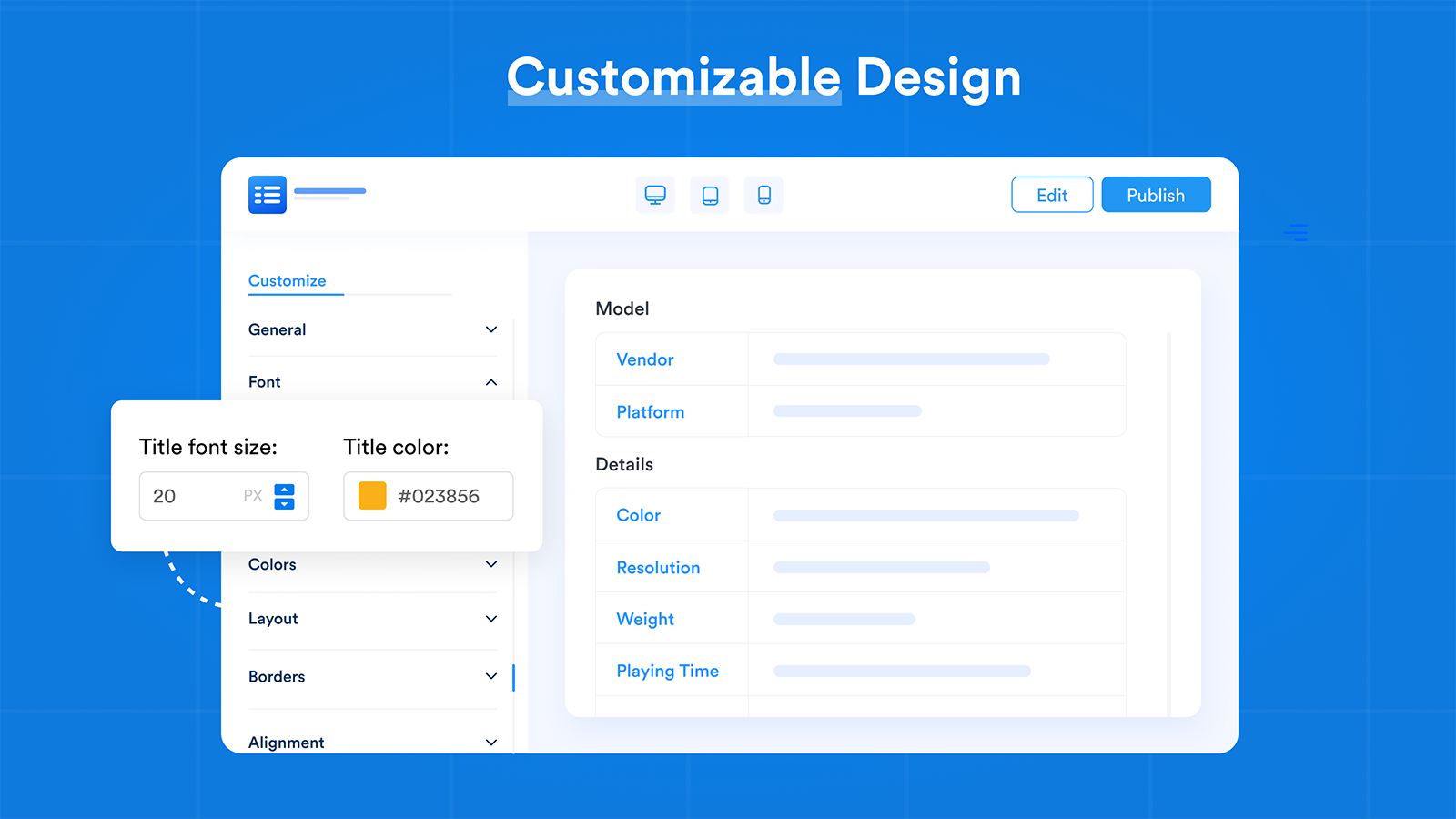
- Table Customization:Easy Customization: Customize table designs with many options and tooltips.
- Responsive Design:Quick and Adaptive: Looks professional and loads quickly on all devices.
Pricing Details
Easy Specs offers 1 free plan and 3 paid plans.
Considering installing this TableFlow Specification Table alternatives Shopify app? Explore the pricing details and discover if they align with your budget and needs.
Launch · $0/month
Included features: Unlimited products, Single chart, 3 metafield connections, Live variant updates, Smart display rules, Custom styling
Core · $12/month
Included features: Unlimited products, Unlimited charts, 20 metafield connections, Live variant updates, Smart display rules, Custom styling and tooltips
Pro · $17/month
Included features: Unlimited products, Unlimited charts, Unlimited metafield connections, Live variant updates, Smart display rules, Custom styling and tooltips
Scale · $47/month
Included features: Everything in Pro, Launch concierge, Direct expert support, Accelerated chart delivery, Priority incident response, Multi-theme rollout support, Built for Shopify Plus
Pros and Cons
Delve into ShopDigest's expert insights on Easy Specs - a TableFlow Specification Table alternatives Shopify app. Our analysis of Shopify app store reviews presents unique pros and cons, allowing you to make informed decisions for your business. Read our full Easy Specs TableFlow Specification Table alternatives App review.
- The app excels at displaying product specifications and features in a structured, customizable format.
- Multiple users highlight prompt, personalized, and highly responsive assistance from the support team.
- The app is praised for its ease of use and straightforward configuration process.
- Users appreciate the seamless compatibility with Shopify and other apps, including meta fields.
- The app reduces manual effort by automating data alignment and table generation.
- Some users report the app fails to work properly in phone mode, limiting accessibility.
Three alternatives to look at first
Make and handle appealing tables to improve the experience of visitors.
Size charts and guides appear on product pages. Help shoppers find their fit and reduce returns.
Quickly make spec tables for all your shop items. It allows metafields & personalization.
About TableFlow Specification Table
TableFlow Specification Table is a versatile Shopify app designed to help achieve the purpose: “Instantly insert a specification table into over 100,000 products using Product Attributes and Metafields.”. This Shopify app is listed under Metafields category. It has garnered over 27 reviews with an average rating of 5 stars from Shopify merchants.
Some of its key features include:
- Realtime Specification Table Updates: The specification table updates instantly when the variant is changed.
- Conditional Table Display: Display table based on the product group, tag, and types if certain conditions are met.
- Adding information abot additional product: Include more product details in the tag using a tooltip.
- Product Features: Power-ups: Multiple locations, Grid layout, Split screen, and Expandable table
- Table templates: Available templates: Specification chart and Multiple-column chart.
Besides, TableFlow Specification Table is known for its Rapid, personalized assistance with setup, customization, and issue resolution, often exceeding expectations., Intuitive interface and straightforward setup process, requiring minimal technical expertise., Flexible tools for tailoring tables and layouts to match specific store designs and needs., Streamlines handling complex metafields and product specifications, saving time and effort., Consistently functions as described, with minimal bugs or disruptions., Quick implementation of user-requested features or fixes., Tables integrate smoothly with Shopify themes and product pages..
Why Consider TableFlow Specification Table Alternatives for Shopify?
While TableFlow Specification Table may have its unique features and benefits, it's essential to periodically reevaluate your options to ensure that you're using the best tools to optimize your online store. Here are some reasons why you should explore TableFlow Specification Table alternatives:
- Diverse Needs: What worked initially with TableFlow Specification Table may not fully address your current needs. By considering TableFlow Specification Table alternatives, you can find apps that are better suited to your changing objectives.
- Budget Constraints: While considering alternatives to TableFlow Specification Table can impact your budget significantly. Some alternatives offer similar functionality at the same or reduced pricing level, while others may provide increased pricing but with added features that justify the investment.
- Compatibility Issues: If you have encountered compatibility issues with TableFlow Specification Table or have concerns about its integration with other essential tools and themes, exploring TableFlow Specification Table alternatives can help you find apps that offer better compatibility and ease of use.
- Feature Enhancement: Alternatives to TableFlow Specification Table may offer innovative features that can give your Shopify store a competitive edge. By exploring these alternatives, you can tap into new capabilities and stay ahead in the dynamic e-commerce landscape.
In the following sections, we'll introduce you to some of the top alternatives to TableFlow Specification Table.
Overview of the Best TableFlow Specification Table Shopify Alternatives
There are several alternatives in the Shopify app store that can seamlessly replace or complement TableFlow Specification Table. Whether you are looking for a change or just exploring your options, you are bound to find the perfect fit for your Shopify store. We have listed the top Shopify TableFlow Specification Table alternatives based on their popularity and average rating.
| App Name | Category | Developer | Starting Price | Free Plan | Reviews |
|---|---|---|---|---|---|
| iTable Compare & Pricing Table | TableFlow Specification Table alternatives | Identixweb Limited | $0/month | ● Available | 4.9 ★ (102) |
| ILM Size Chart & Size Guide | TableFlow Specification Table alternatives | ILM TECH | $0/month | ● Available | 4.9 ★ (47) |
| Easy Specs | TableFlow Specification Table alternatives | Particle Spectrum Labs, LLC | $0/month | ● Available | 4.8 ★ (16) |
Have a Closer Look at the Best Alternatives to TableFlow Specification Table
Now let us jump in and check out these top TableFlow Specification Table alternatives.


Reviews
No reviews available for this app.
Why is iTable Compare & Pricing Table a top TableFlow Specification Table alternatives Shopify app?
ShopDigest selects the top Shopify apps in the TableFlow Specification Table alternatives category based on various parameters, including the number of installations across Shopify stores, the app's ranking in the Shopify App Store, the number of merchants' reviews, and its overall customer rating, among other factors.
Why integrate iTable Compare & Pricing Table with your Shopify store?
- Table Creation: You can make tables and put them on any page of your website.
- Excel Importation: Upload tables from Microsoft Excel in XLS and CSV formats.
- Table Exportation: You can export tables in CSV or Zip formats.
- Table Customization: You can personalize each table with your own CSS as needed.
- Data Table Management: Simple to make detailed data tables with search box, page turning, and filtering options.
Shopify merchants highlight key advantages, such as You can create tables and insert them on any of the pages on your site., Import tables from Microsoft Excel in XLS and CSV formats., and more,
What are some of the top alternatives for iTable Compare & Pricing Table?


Reviews
No reviews available for this app.
Why is ILM Size Chart & Size Guide a top TableFlow Specification Table alternatives Shopify app?
ShopDigest selects the top Shopify apps in the TableFlow Specification Table alternatives category based on various parameters, including the number of installations across Shopify stores, the app's ranking in the Shopify App Store, the number of merchants' reviews, and its overall customer rating, among other factors.
Why integrate ILM Size Chart & Size Guide with your Shopify store?
- Pre-made size chart templates & add multiple size tables, Images, Text, Videos.
- Assign size chart to specific collections, products, vendors, types and tags.
- Choose from versatile display options: Floating, Inline, or Block size chart.
- Auto-translate size chart content into multiple languages with a few clicks.
- Convert measurements between cm and inches, and style charts with custom CSS.
Shopify merchants highlight key advantages, such as Pre-made size chart templates & add multiple size tables, Images, Text, Videos., Assign size chart to specific collections, products, vendors, types and tags., and more,
What are some of the top alternatives for ILM Size Chart & Size Guide?
Reviews
No reviews available for this app.
Why is Easy Specs a top TableFlow Specification Table alternatives Shopify app?
ShopDigest selects the top Shopify apps in the TableFlow Specification Table alternatives category based on various parameters, including the number of installations across Shopify stores, the app's ranking in the Shopify App Store, the number of merchants' reviews, and its overall customer rating, among other factors.
Why integrate Easy Specs with your Shopify store?
- Intelligent Metafield Display: Smart Metafield Display: Show product metafields according to their type.
- Real-time Variant Updates: Live Changes for Variants: Immediately change table data for various options.
- Dynamic Table Generation: Smart Display Logic: Display tables based on collections, tags, and types.
- Table Customization: Easy Customization: Customize table designs with many options and tooltips.
- Responsive Design: Quick and Adaptive: Looks professional and loads quickly on all devices.
Shopify merchants highlight key advantages, such as Smart Metafield Display: Display product metafields intelligently based on type, Real-time Variant Updates: Instantly update table values for different variants, and more,
What are some of the top alternatives for Easy Specs?
How to Choose the Right TableFlow Specification Table Alternative for Your Shopify Store
Choosing the right alternative to TableFlow Specification Table for your Shopify store is a crucial decision that can significantly impact your e-commerce operations. To help you make an informed choice, consider the following factors.
- Identify Your Needs: Make a list of features, integrations, or improvements you seek in a TableFlow Specification Table alternative. Understanding your needs will serve as a guide when evaluating alternatives.
- Compare Features: Compare the features of each alternative to TableFlow Specification Table and see how they align with your needs. Pay attention to unique functionalities that may differentiate one alternative from another.
- Check Reviews and User Feedback: Look for reviews from Shopify store owners who have used the TableFlow Specification Table alternatives you are considering. Pay attention to both positive and negative comments to get a well-rounded view.
- Pricing: Consider your budget and choose a TableFlow Specification Table alternative that fits within your financial constraints. Some alternatives may be cost-effective, while others may be feature-rich but come at a higher price.
- Scalability: Consider the long-term scalability of TableFlow Specification Table alternatives. Choose an alternative that can adapt to your growing store needs.
- Trial Period: If available, take advantage of any trial periods offered by TableFlow Specification Table alternatives. Hands-on experience is invaluable in assessing usability, compatibility with your Shopify setup, and overall user-friendliness.
- Support and Updates: Research the responsiveness of the support team behind each TableFlow Specification Table alternative. Ensure that the alternative you choose has a responsive support team and receives regular updates.
Remember that the best TableFlow Specification Table Shopify alternative will address your current requirements and position your store for future success.
More Information on TableFlow Specification Table Shopify Alternatives
As you embark on your journey to find the perfect TableFlow Specification Table alternative, the right choice can elevate your Shopify store's performance, enhance your customer shopping experience, and position you for growth in the competitive e-commerce landscape.
We've introduced you to a curated list of top TableFlow Specification Table alternatives, each with its own strengths and advantages. Whether you're seeking a cost-effective solution or a feature-rich paid alternative, you have plenty of options to choose from.
Choosing the right TableFlow Specification Table alternative requires careful consideration of your specific requirements, budget, and long-term goals. You can gain deeper insights into your selected apps by visiting our app comparison page. If you need expert guidance, ShopDigest can help you navigate this process effectively, from identifying your needs to assessing compatibility and support.
TableFlow Specification Table Shopify Alternative Installation
There are thousands of TableFlow Specification Table alternatives with different installation instructions, integration complexities, and customization levels. Our team at ShopDigest is here to assist you every step of the way. Installing your chosen app is a breeze with our service, ensuring a seamless integration into your store's ecosystem.
What's included
- Safely install/uninstall Shopify alternative app of your choice
- App integration with any theme as per specification
- Configurations & setup
- Assured support and guidance
- Get discount offers (not guaranteed)
What's not included
- Shopify TableFlow Specification Table alternative app subscription cost
Frequently Asked Questions for TableFlow Specification Table Shopify Alternatives
1. Why should I consider alternatives to TableFlow Specification Table?
Exploring alternatives to TableFlow Specification Table allows you to adapt to your changing business needs, budget constraints, and new feature requirements. It ensures that you're using the best possible tools to optimize your Shopify store's performance.
2. What are the top paid alternatives to TableFlow Specification Table?
Several paid alternatives to TableFlow Specification Table offer a wide range of features and functionalities to enhance your Shopify store's performance. Here are some of the top paid alternatives worth considering:
3. What are the top free alternatives to TableFlow Specification Table?
Here are some of the top free TableFlow Specification Table alternatives worth considering:
While they may have limitations compared to paid options, they provide a solid foundation for small businesses and entrepreneurs to begin their e-commerce journey.
4. How do I choose the right TableFlow Specification Table alternative for my Shopify store?
To choose the right TableFlow Specification Table alternative, you need to start by identifying your specific needs, comparing features, reading user reviews, evaluating pricing, and taking advantage of trial periods. You can read our detailed guide above.
Additionally, you can also reach out to ShopDigest for personalized recommendations based on your specific needs and goals. Contact us now to request assistance.
5. Are these TableFlow Specification Table alternatives compatible with my existing Shopify setup?
Compatibility can vary among alternatives. It's essential to research and, if possible, test the TableFlow Specification Table alternative you're considering to ensure seamless integration with your existing apps, themes, and store configurations.
6. Can I switch back to TableFlow Specification Table if I'm not satisfied with an alternative?
Yes, you can switch back to TableFlow Specification Table or explore other alternatives if you're not satisfied. However, it's essential to consider data migration and any potential impacts on your store's functionality during the transition.
7. Where can I find more information about these TableFlow Specification Table alternatives?
For comprehensive details about the TableFlow Specification Table alternatives featured in this guide, we recommend visiting our app information page. There, you'll find in-depth descriptions, features, pricing information, and direct links to the respective alternatives.
The Shopify ecosystem, shown through the work
ShopDigest is an independent directory of Shopify work. Developers, agencies and experts publish the projects they’ve actually shipped — migrations, rebuilds, custom apps, headless storefronts — with the results attached.
For merchants, that means judging a partner on evidence instead of a sales page: browse real builds in your category and budget, then reach out directly. For builders, it means one profile that keeps working after the project ships.
No commissions, no pay-to-rank placements. The best work rises because people save and follow it.
More about ShopDigestShow the work.
Win the work.
A portfolio directory for the Shopify ecosystem — builders publish, merchants browse, nobody buys a better position.