

Smart SEO AI & Image Optimizer
by Sherpas Design
Get 30% off on SEO, Page Speed, Image Optimization, and JSON-LD this Christmas!
Free plan · From $14.99/mo · 7d trial
Grow with ShopDigest. Programs for experts, developers and store owners.
A single app for editing images, optimizing SEO, resizing, compressing, adding watermarks, uploading, and backing up. SEO for images, change picture names, adjust size, add watermark, reduce file size.
Pros and cons of Hextom: Bulk Image Edit & SEO
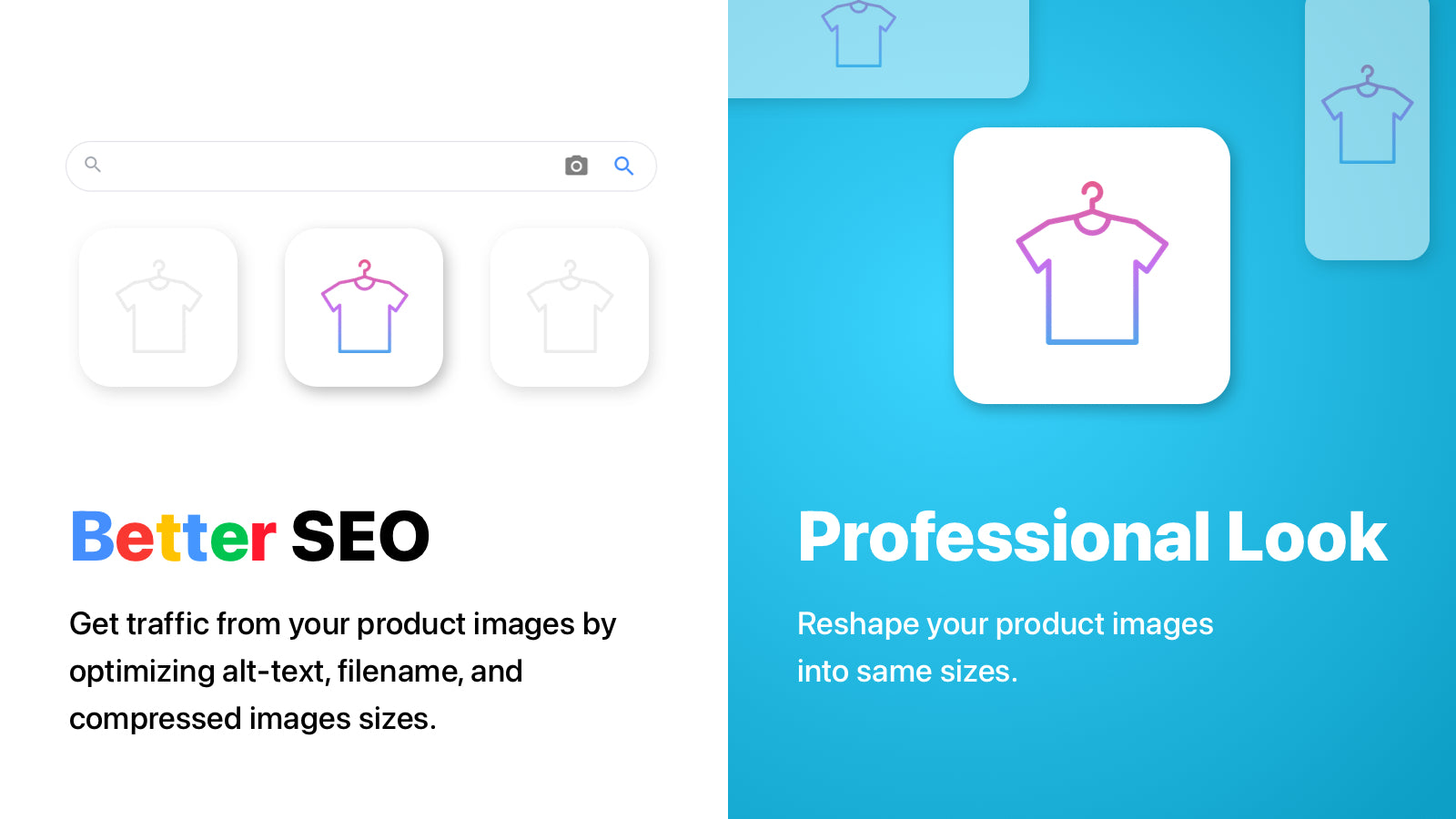
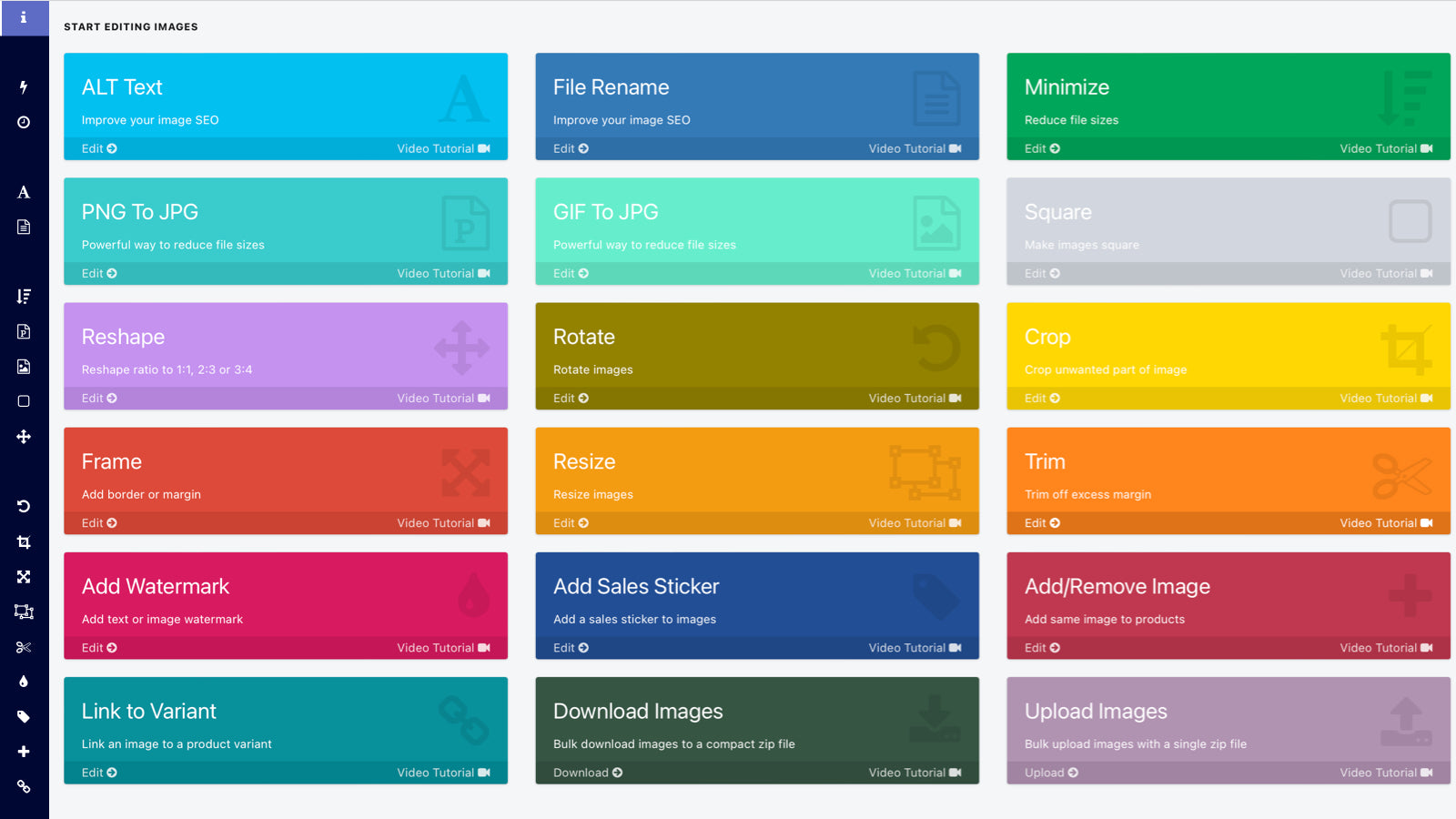
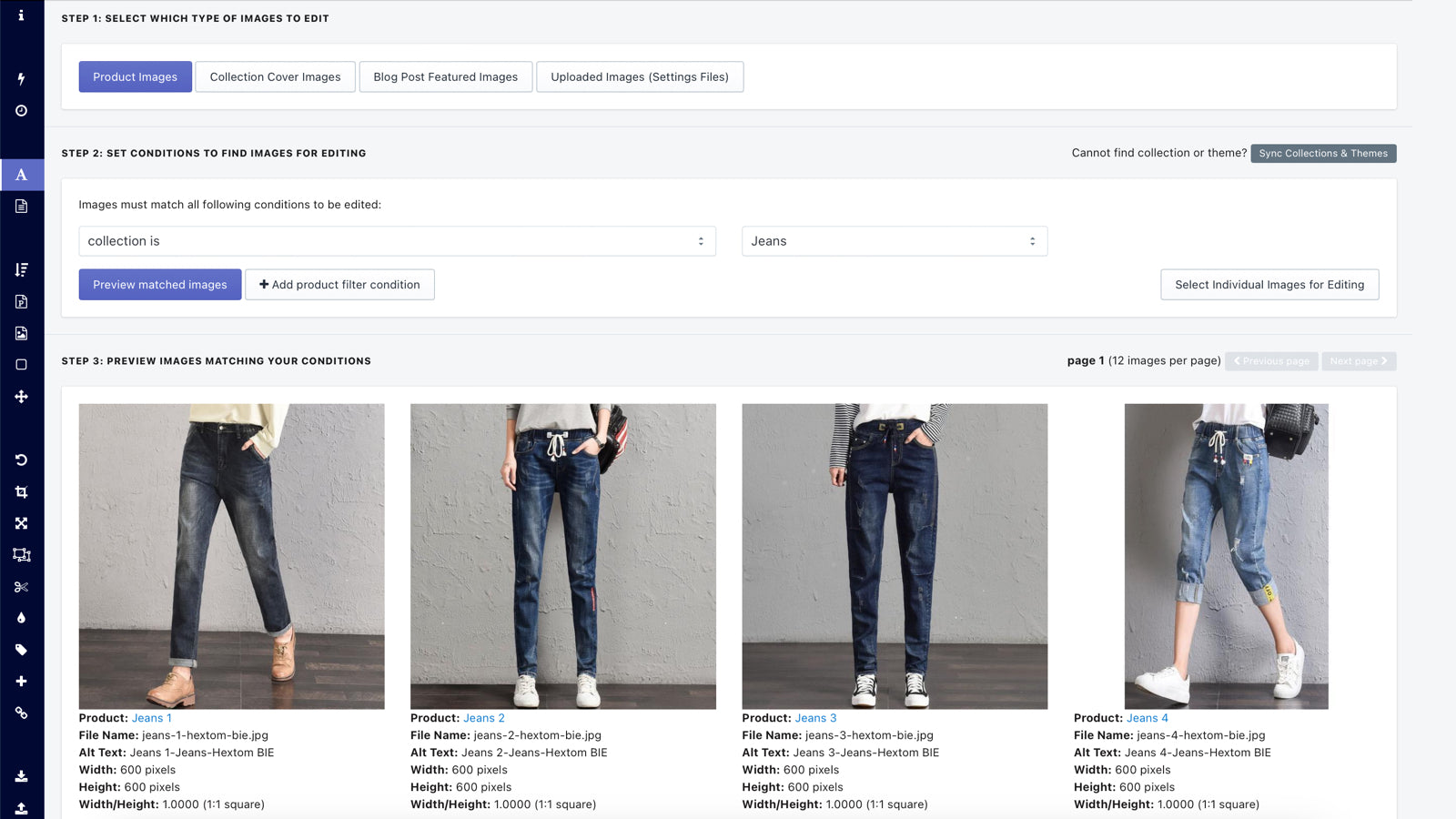
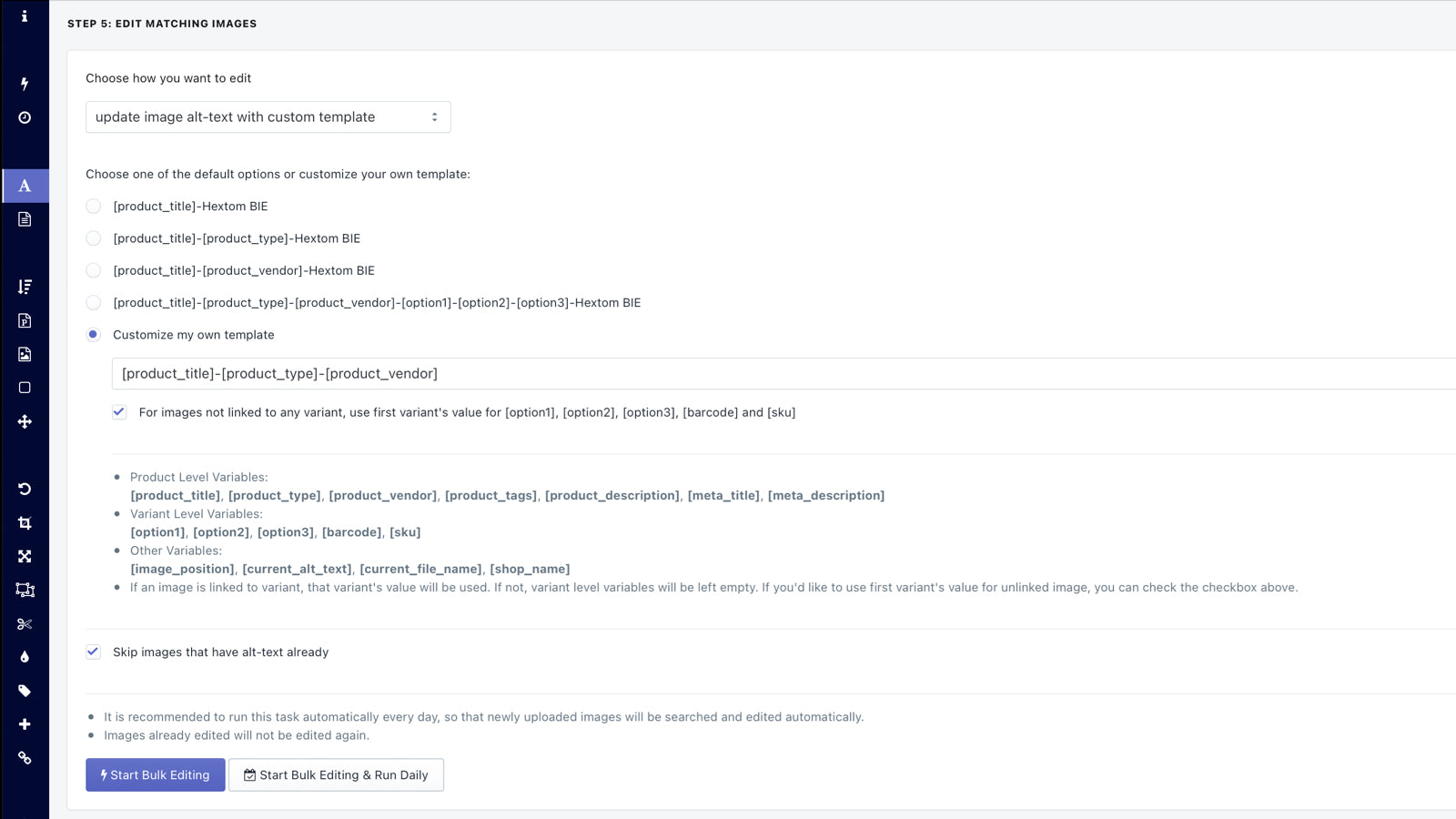
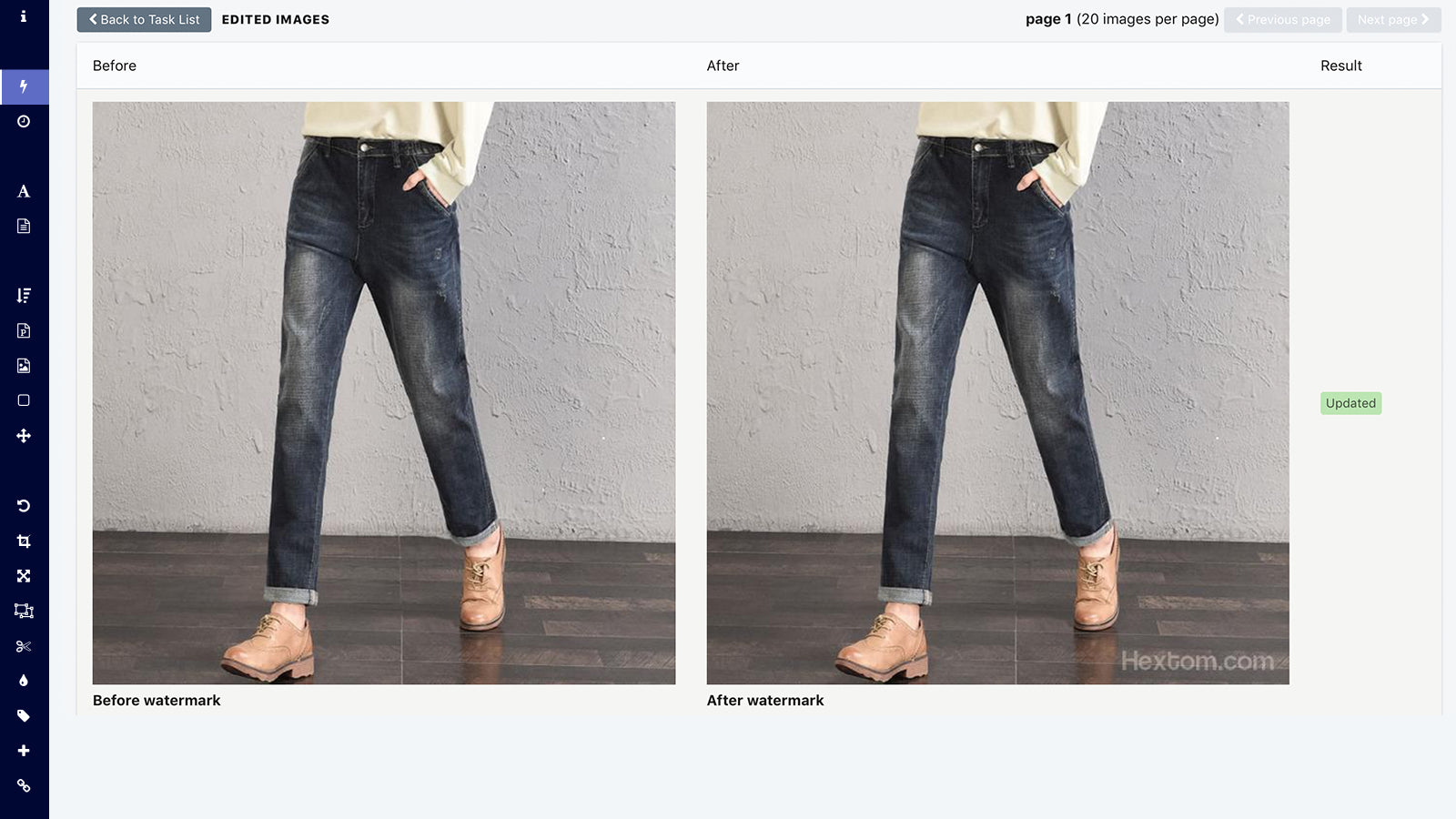
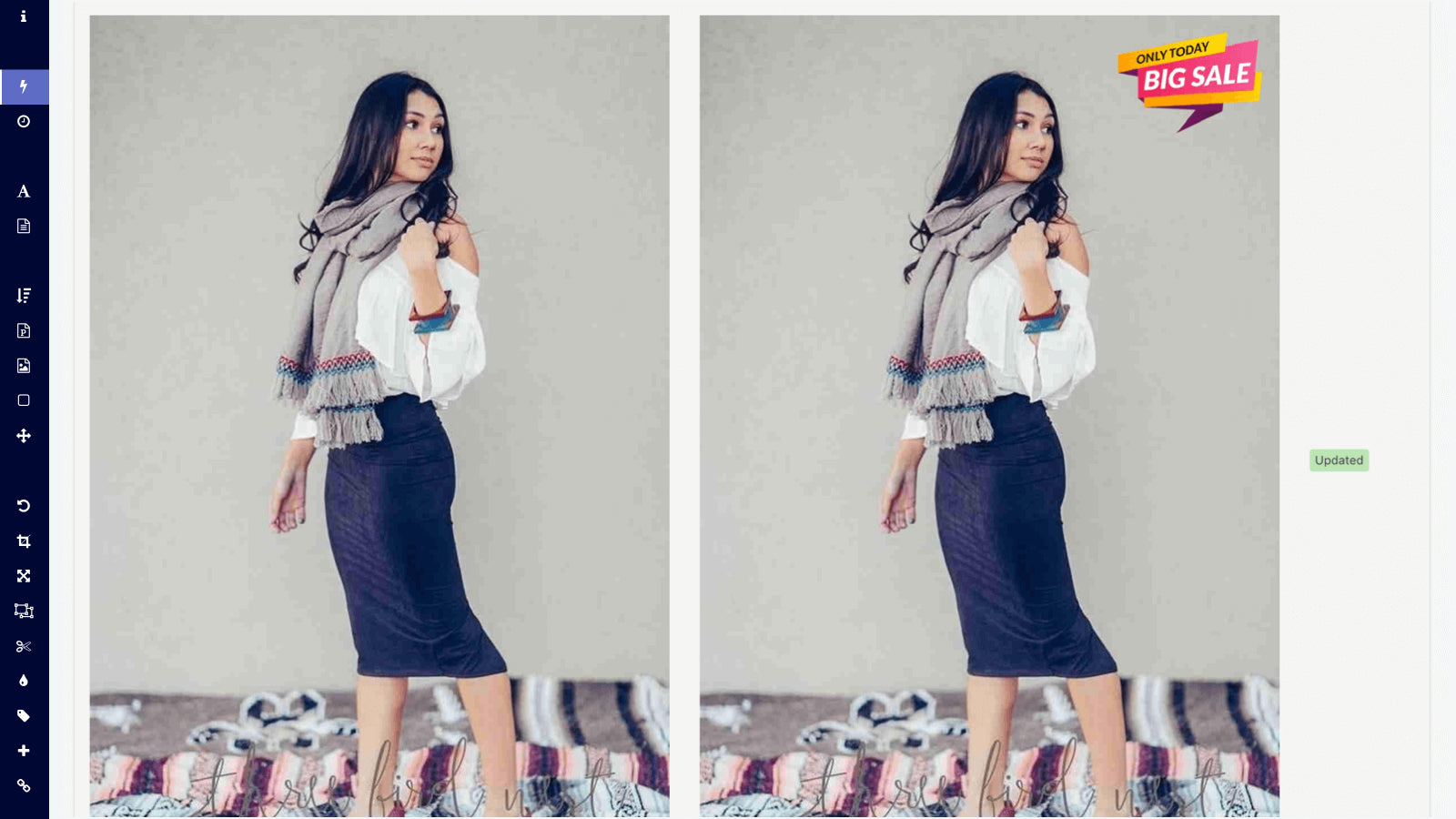
SEO for images, change picture names, adjust size, add watermark, reduce file size.
Hextom: Bulk Image Edit & SEO pricing plans
Not sure which plan to pick? Discuss Starter Plan or Basic Plan plans with us, learn about custom pricing, or get a demo.
The app has 4 pricing plans: 1 free and 3 paid. The free plan offered by Hextom: Bulk Image Edit & SEO is Starter Plan. The paid plans offered by Hextom: Bulk Image Edit & SEO are Basic Plan, Professional Plan, Advanced Plan.
The details of the plans are outlined below.
| Pricing summary | Free plan available |
| Total pricing plan(s) | 4 |
| Number of free plan(s) | 1 |
| Number of paid plan(s) | 3 |
| Cost of paid plan(s) | $9.99, $19.99, $49.99 |
| Free trial available | No |
For further information regarding Hextom: Bulk Image Edit & SEO pricing plans, see the official website.
The table below highlights the crucial differences between Hextom: Bulk Image Edit & SEO and similar other Shopify apps based on parameters like ratings, reviews, features, pricing, etc.
| Apps | Add app | |||
| General information | ||||
| Ratings | 4.8 ★ (647 reviews) | 5.0 ★ (953 reviews) | 5.0 ★ (2,545 reviews) | |
| Developed by | Hextom | Sherpas Design | TinySEO (former TinyIMG) | |
| Launch date | 29 September 2016 | 6 August 2015 | 12 June 2019 | |
| Pricing | Free, $9.99/month, $19.99/month, $49.99/month | Free, $14.99/month, $24.99/month, $49.99/month | Free, $14/month, $23/month, $49/month | |
| Objective | SEO for images, change picture names, adjust size, add watermark, reduce file size. | Get 30% off on SEO, Page Speed, Image Optimization, and JSON-LD this Christmas! | Improve webpage speed, compress images, optimize SEO, use ALT text, apply JSON. | |
| Categories | Image editor, SEO | SEO, Image editor | SEO, Image editor | |
| Key features & highlights | ||||
| Purpose | A single app for editing images, optimizing SEO, resizing, compressing, adding watermarks, uploading, and backing up. | Improve your SEO, increase your rankings, get more traffic, and raise your sales. | A sitemap SEO tool that optimizes images, enhances page speed with redirects and lazy load to increase website speed. | |
| Features list |
|
|
| |
| Highlights | — |
|
| |
| User reviews and ratings | ||||
| Recommended | 95.2% | 99.0% | 99.5% | |
| Pros |
|
|
| |
| Cons |
|
|
| |
| Pricing and plans | ||||
| Total pricing plans | 4 | 4 | 4 | |
| Free plan | Available | Available | Available | |
| Free trial | No | Yes, for 7 day(s) | Yes, for 7 day(s) | |
| Technical information | ||||
| Rating | 4.8 ★ | 5.0 ★ | 5.0 ★ | |
| Total reviews | 648 | 960 | 2,565 | |
| Launch date | 29 September 2016 | 6 August 2015 | 12 June 2019 | |
The app provides image optimization services for high-performance stores, focusing on SEO optimization, loading time improvement, uniform sizing for professional appearance, and protection from competitors. This app is widely trusted by established store owners.
This Shopify app specializes in bulk image editing and optimization, offering features such as resizing, renaming, compressing, and adding watermarks or alt text to product images. It significantly reduces manual effort by enabling batch processing, which is particularly useful for stores with large inventories. The app includes SEO-friendly tools like automated alt-text generation and file renaming, contributing to improved page load speeds and search rankings. Its free plan provides substantial functionality, making it accessible for beginners or small businesses. Strengths include a user-friendly interface, time-saving automation, and versatile editing capabilities. However, some limitations include occasional technical issues, such as failed batch processes or broken image URLs in articles after renaming. Customer support responsiveness is inconsistent, with reports of delayed or unresolved queries. Bulk operations may require splitting large batches into smaller groups for reliable performance. Despite these drawbacks, the app is widely regarded as a valuable tool for streamlining image management on Shopify stores.
For any questions, concerns, or assistance with Hextom: Bulk Image Edit & SEO, the dedicated support team is readily available to help. To reach out to the support team, users can send an email to [email protected]. Additionally, Hextom: Bulk Image Edit & SEO offers a comprehensive FAQ section to address common inquiries and provide self-help resources in their app FAQ section.
Details of the Hextom: Bulk Image Edit & SEO are available in various languages on the Shopify app store, including English.
| Support email | help |
| Contact number(s) | Not available |
| FAQ page | FAQ details |
| Privacy policy | Privacy details |
| Language support | English |
The list of top Shopify apps, features or software tools that Hextom: Bulk Image Edit & SEO seamlessly integrates with are given below.
| Name | Hextom |
| Profile | See all apps by Hextom |
| Website | View developer profile |
| Address | Richmond Hill, ON |
How to install Hextom: Bulk Image Edit & SEO on your Shopify store
Your name, email and store domain go straight to the Hextom team.
Hextom contacts you directly to arrange setup for your store.
Perfect your store’s functionality without the pressure to move on until you’re ready.
Hextom: Bulk Image Edit & SEO has an overall rating of 4.8 stars from a total of 648 reviews on the Shopify app store. Of these, 617 (95.2%) are positive, 11 (1.7%) are neutral, and 20 (3.1%) are negative*.
*Ratings above four stars fall under positive review, three star reviews fall under neutral, and anything less than two stars falls under negative.
I am really enjoying this app. It helps me find where images do not have alt text or are named incorrectly. This app finds things I didn't even know I needed to fix.
Funkar superbra när man lär sig hur den fungerar. Det var relativt lätt att göra. Google AI kan hjälpa en hur man ska göra. Mycket tids besparande.
What a time saver! Unfortunately I did not prioritize consistent image naming when I started my store and when it finally was time to address SEO I had HUNDREDS of image files I thought I would need to address individually. Then I discovered this app. What would have taken DAYS took just minutes - incredible. So easy to use. It also identified what images still needed Alt Text so those could be addressed as well. I HIGHLY RECOMMEND this app.
It has saved us a lot of time with renaming images and alt text which also improved our SEO and visibility in search engines
Best tool in edit image, enjoy the best experience and editing capacity which unbeatable
Rankings, review momentum and install geography, refreshed weekly. Open the full charts for history, benchmarks and keyword detail.
Position and market share today
| Keywordbulk image edit | #1 | 42.5% ▲16.2 |
| KeywordImage editing | #1 | 43.6% ▼12.2 |
| Keywordbulk edit images | #2 | 19.5% ▼1.4 |
| Keywordbulk edit inventory | #4 | 2.2% ▼0.0 |
Cumulative reviews · last 6 months
The key features offered by Hextom: Bulk Image Edit & SEO to Shopify store owners are:
Yes, Hextom: Bulk Image Edit & SEO seamlessly integrates with other Shopify apps or tools, such as Boost SEO by adjusting image sizes (to reduce load time), adding alt-text, and modifying file names., Easily bulk edit your images by resizing, cropping, rotating, framing, trimming, and adding watermarks., Upload and download images of your store for backup, recovery, or launching a product..
No, Hextom: Bulk Image Edit & SEO does not offer any free trial.
The app has 4 pricing plans: 1 free and 3 paid. The paid plans cost $9.99/month, $19.99/month, $49.99/month and have no free trial period.
Hextom: Bulk Image Edit & SEO uses USD for billing, with recurring and usage-based charges invoiced usually every 30 days.
Yes, Hextom: Bulk Image Edit & SEO allows its subscribers to cancel or upgrade their subscription plan at any time.
Yes, Hextom: Bulk Image Edit & SEO offers a dedicated support team for any kind of app-related assistance. To reach out to the support team, users can send an email to [email protected]. Additionally, Hextom: Bulk Image Edit & SEO offers a comprehensive FAQ section to address common inquiries and provide self-help resources.
Please reach out to their support team at [email protected] to confirm its compatibility with your specific Shopify theme.
Get 30% off on SEO, Page Speed, Image Optimization, and JSON-LD this Christmas!

Improve webpage speed, compress images, optimize SEO, use ALT text, apply JSON.

Most popular Shopify apps on the market

Product reviews with pictures and videos for credibility and search engine optimization.

Display your products to billions of TikTok users.

Simplify all tasks and focus on your business.

Increase your brand visibility and communicate with customers on Shop.
Writing reviews on ShopDigest is coming soon.
I am really enjoying this app. It helps me find where images do not have alt text or are named incorrectly. This app finds things I didn't even know I needed to fix.
Funkar superbra när man lär sig hur den fungerar. Det var relativt lätt att göra. Google AI kan hjälpa en hur man ska göra. Mycket tids besparande.
What a time saver! Unfortunately I did not prioritize consistent image naming when I started my store and when it finally was time to address SEO I had HUNDREDS of image files I thought I would need to address individually. Then I discovered this app. What would have taken DAYS took just minutes - incredible. So easy to use. It also identified what images still needed Alt Text so those could be addressed as well. I HIGHLY RECOMMEND this app.
It has saved us a lot of time with renaming images and alt text which also improved our SEO and visibility in search engines
Best tool in edit image, enjoy the best experience and editing capacity which unbeatable
A fantastic app with outstanding customer support! We needed to include color values from Shopify metaobjects in our image filenames. The Hextom team quickly understood our use case and implemented the required functionality. This saves us countless hours when processing images for hundreds of products. Highly recommended!
Trouble with images. This app can be configured to fix everything up in the blink of an eye.
Fijne app. Doet wat het moet doen en wat ze beloven. Duidelijk overzicht over waar je wel en geen AI voor gebruikt en wat dit kost. Bij bulk edits ook goede controle over en de mogelijkheid om de aanpassingen achteraf aan te passen.
ShopDigest is an independent directory of Shopify work. Developers, agencies and experts publish the projects they’ve actually shipped — migrations, rebuilds, custom apps, headless storefronts — with the results attached.
For merchants, that means judging a partner on evidence instead of a sales page: browse real builds in your category and budget, then reach out directly. For builders, it means one profile that keeps working after the project ships.
No commissions, no pay-to-rank placements. The best work rises because people save and follow it.
More about ShopDigestA portfolio directory for the Shopify ecosystem — builders publish, merchants browse, nobody buys a better position.