
SMART Preorder & Back in stock
by SMART Payment Rules
Free
Grow with ShopDigest. Programs for experts, developers and store owners.
Display persistent add-to-cart buttons on your product pages to boost sales and decrease drop-offs. Increase Sales & Conversions with a Persistent Add To Cart Button
Pros and cons of Uplinkly Sticky Cart
Increase Sales & Conversions with a Persistent Add To Cart Button
Uplinkly Sticky Cart pricing plans
Not sure which plan to pick? Discuss Basic Plan or Professional Plan plans with us, learn about custom pricing, or get a demo.
The app has 2 pricing plans: 1 free and 1 paid. The free plan offered by Uplinkly Sticky Cart is Basic Plan. The paid plan offered by Uplinkly Sticky Cart is Professional Plan.
The details of the plans are outlined below.
| Pricing summary | Free plan available. Free trial available. |
| Total pricing plan(s) | 2 |
| Number of free plan(s) | 1 |
| Number of paid plan(s) | 1 |
| Cost of paid plan(s) | $9 |
| Free trial available | Yes, for 7 day(s) |
The table below highlights the crucial differences between Uplinkly Sticky Cart and similar other Shopify apps based on parameters like ratings, reviews, features, pricing, etc.
| Apps | Add app | |||
| General information | ||||
| Ratings | 4.7 ★ (24 reviews) | 5.0 ★ (628 reviews) | 5.0 ★ (1,500 reviews) | |
| Developed by | Uplinkly | SMART Payment Rules | Kaching Bundles & Upsells | |
| Launch date | 20 February 2018 | 10 June 2024 | 9 December 2024 | |
| Pricing | Free, $9/month | Free | Free, $9.99/month, $14.99/month, $24.99/month | |
| Objective | Increase Sales & Conversions with a Persistent Add To Cart Button | Sell when sold out: preorders, deposits & back in stock alerts | Boost your AOV: slide cart, upsell cart & free shipping bar | |
| Categories | Cart customization | Pre-orders, Stock alerts | Cart customization, Upsell and cross-sell | |
| Key features & highlights | ||||
| Purpose | Display persistent add-to-cart buttons on your product pages to boost sales and decrease drop-offs. | Take pre-orders with deposits, send back in stock alerts on restock, and hide payment methods | Boost AOV with a custom slide cart featuring cart discount, urgency timer, free shipping bar, etc. | |
| Features list |
|
|
| |
| Highlights | — |
|
| |
| User reviews and ratings | ||||
| Recommended | 91.7% | 99.8% | 99.4% | |
| Pros |
|
|
| |
| Cons |
|
|
| |
| Pricing and plans | ||||
| Total pricing plans | 2 | 0 | 4 | |
| Free plan | Available | Not available | Available | |
| Free trial | Yes, for 7 day(s) | No | Yes, for 14 day(s) | |
| Technical information | ||||
| Rating | 4.7 ★ | 5.0 ★ | 5.0 ★ | |
| Total reviews | 24 | 620 | 1,580 | |
| Launch date | 20 February 2018 | 10 June 2024 | 9 December 2024 | |
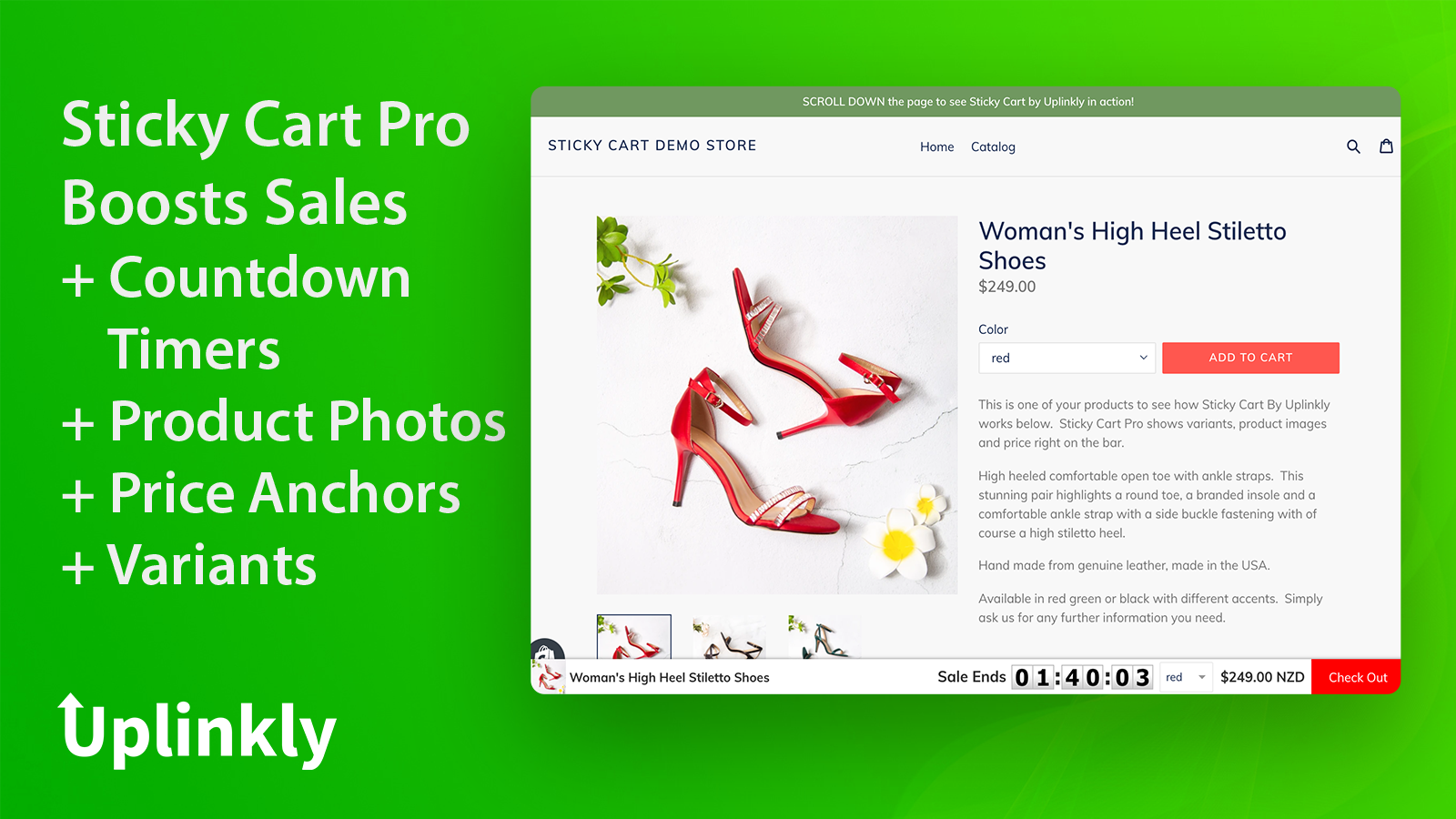
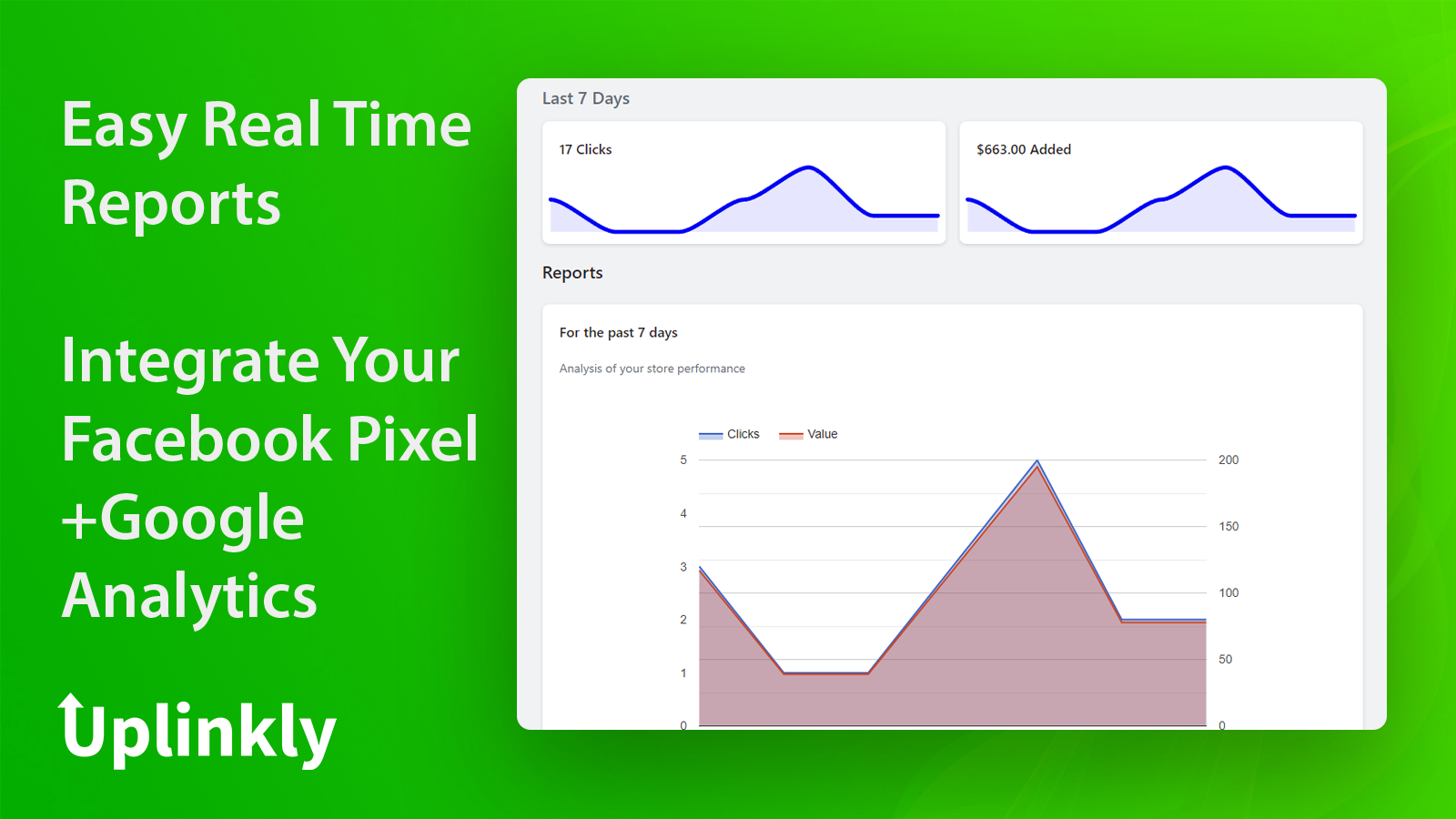
The service provides a sticky add to cart feature for easy and speedy purchases, improving customer experience. It includes a one-click install feature that integrates well into a store, and offers built-in reports to track sales increases, compatible with Google Analytics and Facebook Pixel.
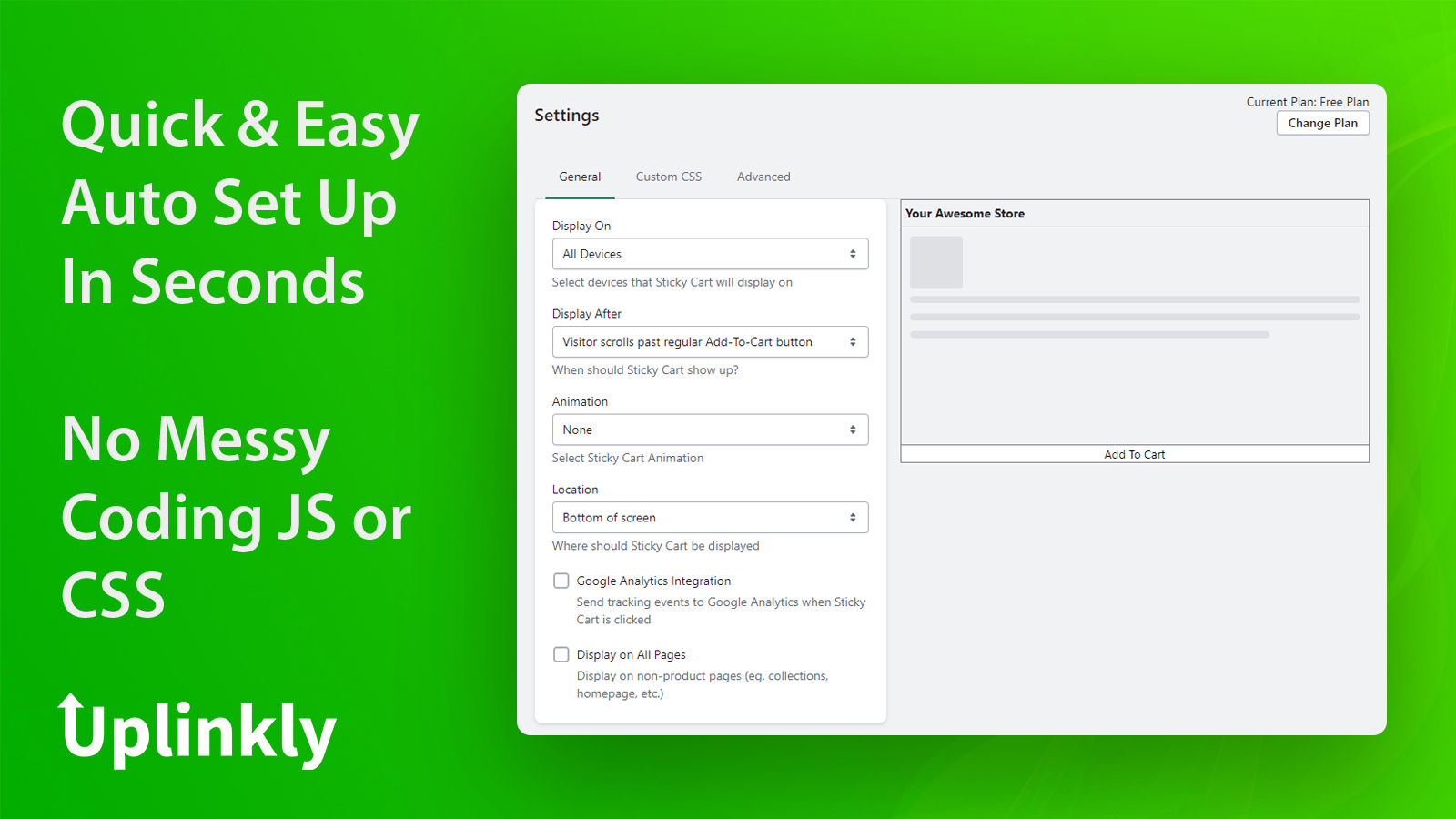
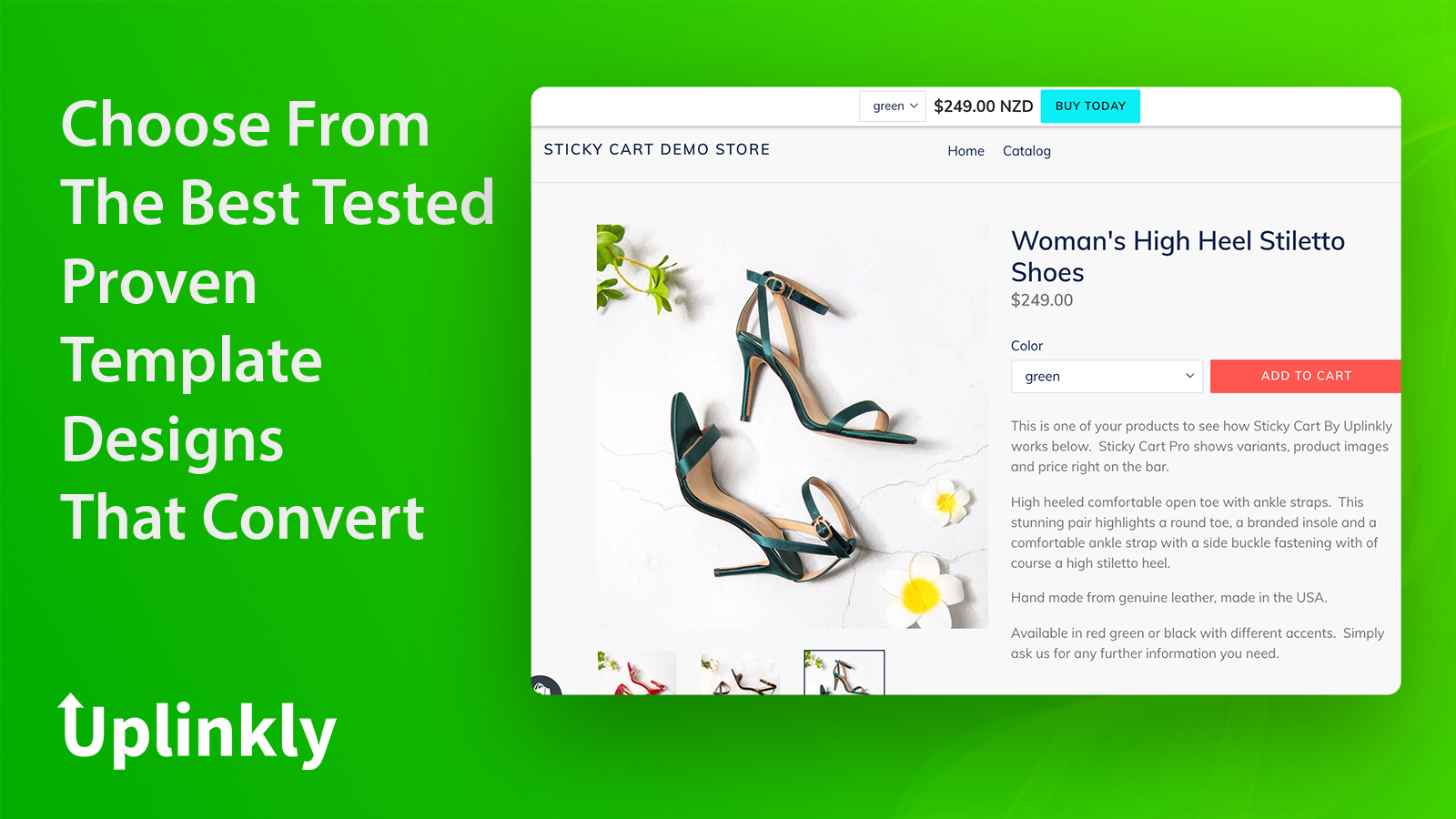
This Shopify app provides a sticky add-to-cart button that remains visible as customers scroll, improving accessibility and potentially boosting conversion rates. It offers a user-friendly, no-code setup with customizable options for placement, animations, and colors, catering to both technical and non-technical users. A free plan is available, making it accessible for small businesses, while paid options include additional features. The app is praised for its responsive and helpful customer support, which assists with customizations and troubleshooting. However, some users report performance issues, such as slower page load times due to unoptimized JavaScript, and occasional compatibility problems on mobile browsers. Despite these drawbacks, the app is widely regarded as effective for increasing sales, with many noting significant improvements in conversion rates. Its simplicity, versatility, and strong support make it a popular choice, though performance optimizations could enhance its reliability.
For any questions, concerns, or assistance with Uplinkly Sticky Cart, the dedicated support team is readily available to help. To reach out to the support team, users can send an email to [email protected].
Details of the Uplinkly Sticky Cart are available in various languages on the Shopify app store, including English, German, and French.
| Support email | support |
| Contact number(s) | Not available |
| FAQ page | Not available |
| Privacy policy | Privacy details |
| Language support | English, German, and French |
The list of top Shopify apps, features or software tools that Uplinkly Sticky Cart seamlessly integrates with are given below.
| Name | Uplinkly |
| Profile | See all apps by Uplinkly |
| Website | View developer profile |
| Address | 20 Collyer Quay, #09-01, Singapore, 049319 |
How to install Uplinkly Sticky Cart on your Shopify store
Your name, email and store domain go straight to the Uplinkly team.
Uplinkly contacts you directly to arrange setup for your store.
Perfect your store’s functionality without the pressure to move on until you’re ready.
Uplinkly Sticky Cart has an overall rating of 4.8 stars from a total of 24 reviews on the Shopify app store. Of these, 22 (91.7%) are positive, 2 (8.3%) are neutral, and 0 (0.0%) are negative*.
*Ratings above four stars fall under positive review, three star reviews fall under neutral, and anything less than two stars falls under negative.
Our UX team uses Sticky Cart by Uplinkly to simplify the shopping journey. By keeping the cart in view, customers can add products and move to checkout faster without navigating away. It’s easy to style to match our store and helps reduce abandoned carts by removing unnecessary friction.
Sticky Cart offers a user-friendly interface that allows even non-technical users to install and customize the app with just a few clicks. No coding knowledge required.
Budget-friendly alert! The free plan offers everything a newbie like me needs. It’s like finding a treasure chest with a “Welcome” sign.
Justo lo que estaba buscando para mi tienda, super facil instalación e inteligente! La recomendaría para cualquier tienda
Excellent support from this free app. I needed to change the height of the Add to Cart, they not only told me how to do it but they went ahead and did it for me. Thank you Uplinkly!
Rankings, review momentum and install geography, refreshed weekly. Open the full charts for history, benchmarks and keyword detail.
Position and market share today
| Keywordsticky cart | #5 | 0.0% |
| CategoryCheckout | #13 | 0.0% |
| Keywordsticky add to cart | #34 | — |
| Keywordskip to checkout | #49 | — |
Cumulative reviews · last 6 months
The key features offered by Uplinkly Sticky Cart to Shopify store owners are:
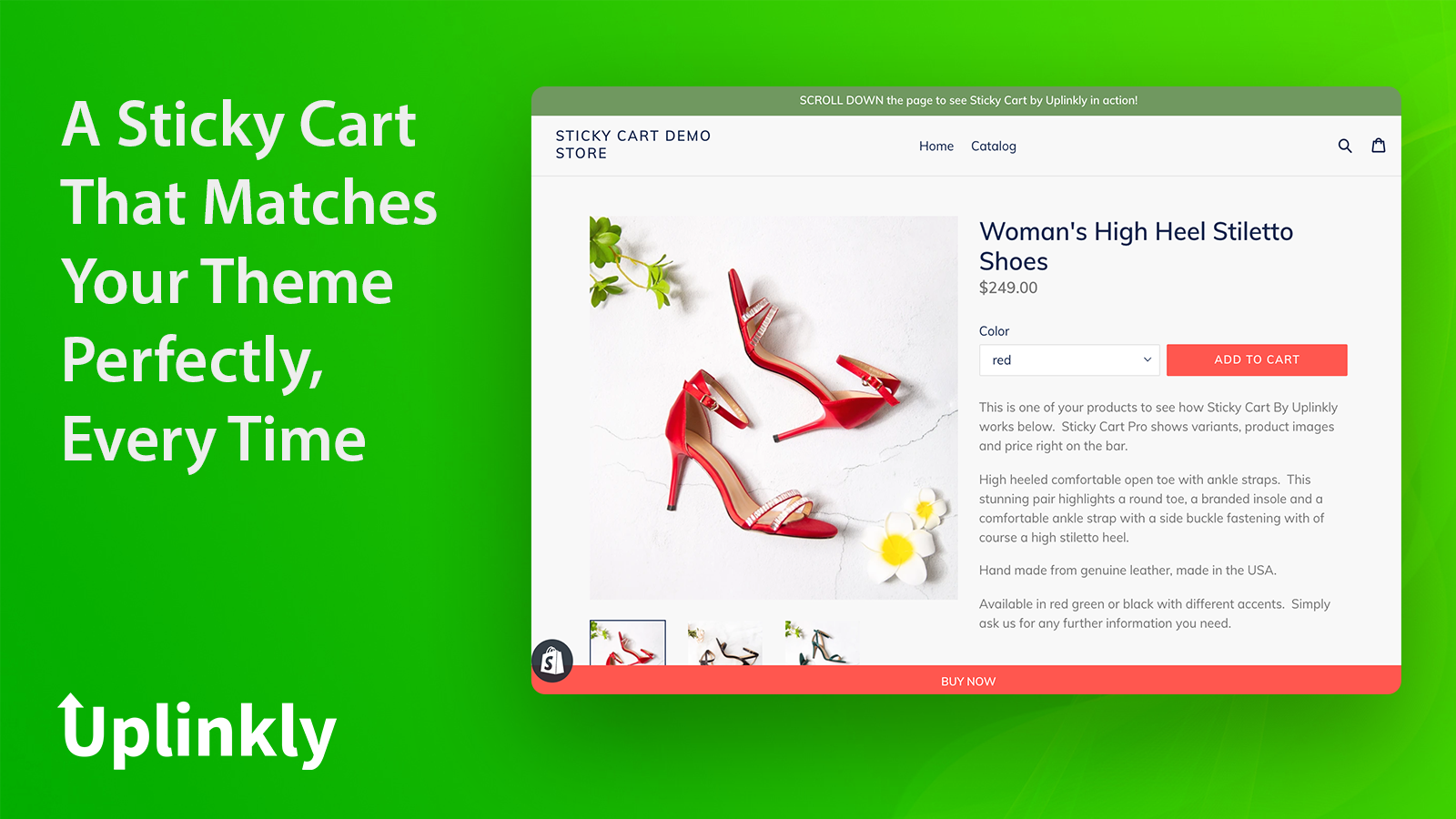
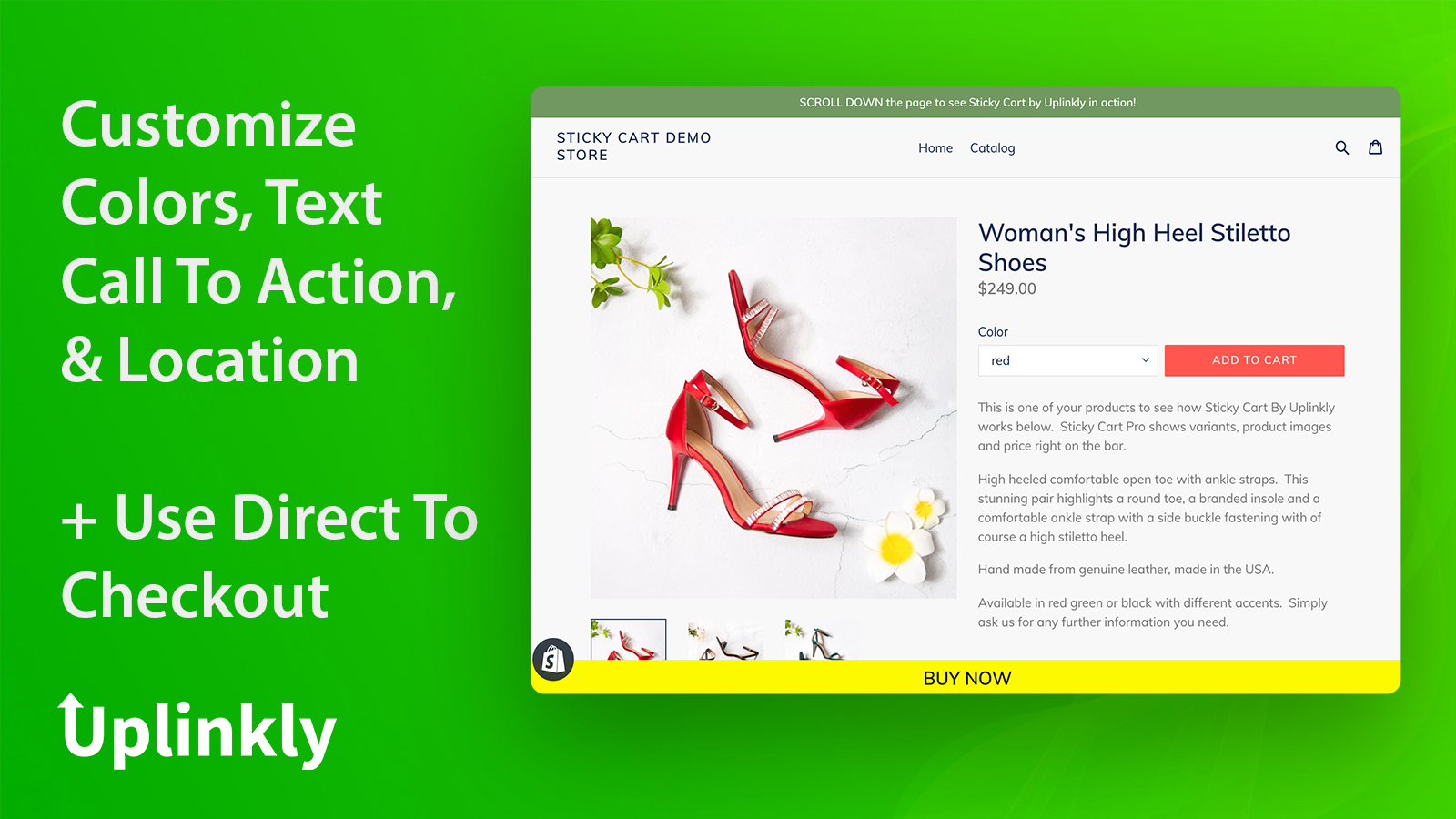
Yes, Uplinkly Sticky Cart seamlessly integrates with other Shopify apps or tools, such as Automatically adapt your store theme to styles that drive high sales., Use our button Animator to make your button more noticeable and dynamic., Show the text at the top or bottom and personalize it..
Yes, Uplinkly Sticky Cart offers a 7-day free trial on all its paid plans.
The app has 2 pricing plans: 1 free and 1 paid. The paid plan cost $9/month, and comes with a 7-day free trial period.
Uplinkly Sticky Cart uses USD for billing, with recurring and usage-based charges invoiced usually every 30 days.
Yes, Uplinkly Sticky Cart allows its subscribers to cancel or upgrade their subscription plan at any time.
Yes, Uplinkly Sticky Cart offers a dedicated support team for any kind of app-related assistance. To reach out to the support team, users can send an email to [email protected].
Please reach out to their support team at [email protected] to confirm its compatibility with your specific Shopify theme.


Most popular Shopify apps on the market

Product reviews with pictures and videos for credibility and search engine optimization.

Display your products to billions of TikTok users.

Simplify all tasks and focus on your business.

Increase your brand visibility and communicate with customers on Shop.
Writing reviews on ShopDigest is coming soon.
Our UX team uses Sticky Cart by Uplinkly to simplify the shopping journey. By keeping the cart in view, customers can add products and move to checkout faster without navigating away. It’s easy to style to match our store and helps reduce abandoned carts by removing unnecessary friction.
Sticky Cart offers a user-friendly interface that allows even non-technical users to install and customize the app with just a few clicks. No coding knowledge required.
Budget-friendly alert! The free plan offers everything a newbie like me needs. It’s like finding a treasure chest with a “Welcome” sign.
Justo lo que estaba buscando para mi tienda, super facil instalación e inteligente! La recomendaría para cualquier tienda
Excellent support from this free app. I needed to change the height of the Add to Cart, they not only told me how to do it but they went ahead and did it for me. Thank you Uplinkly!
Love the simplicity of this Sticky and yet it's so versatile! It works and looks great, the customer service is OUT OF THIS WORLD. Highly recommended!
This app is so practical and easy to use. We also received excellent customer support from their friendly and professional developer. Thank you, Michael!
Our conversion rate increase a lot by this app, and their support is very good in helping with customizations. We recommend!
ShopDigest is an independent directory of Shopify work. Developers, agencies and experts publish the projects they’ve actually shipped — migrations, rebuilds, custom apps, headless storefronts — with the results attached.
For merchants, that means judging a partner on evidence instead of a sales page: browse real builds in your category and budget, then reach out directly. For builders, it means one profile that keeps working after the project ships.
No commissions, no pay-to-rank placements. The best work rises because people save and follow it.
More about ShopDigestA portfolio directory for the Shopify ecosystem — builders publish, merchants browse, nobody buys a better position.