Your Shopify Store Is Probably Failing The Reject All Test (Here’s How To Run It)
- Topic
- Security
- Source
- Ecommerce Fastlane
- Published
This summary was written by ShopDigest AI from Ecommerce Fastlane’s report, by Steve Hutt. Read the full story ↗
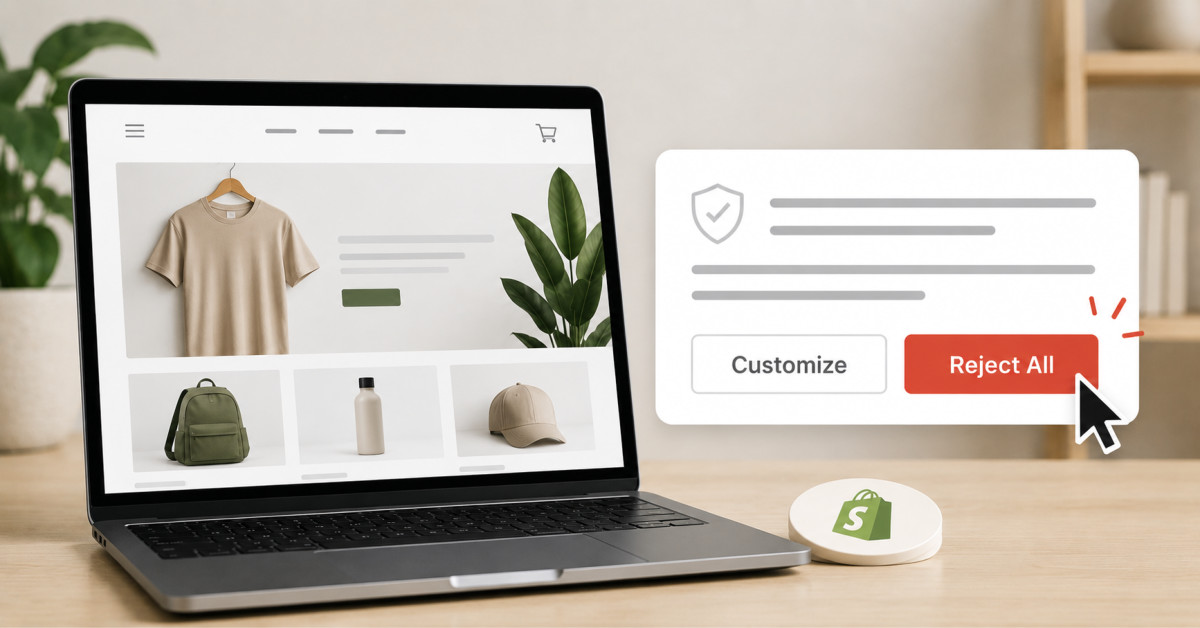
Most Shopify stores fail the reject all test: click reject, and tracking scripts keep firing anyway. Peer reviewed research found 65.4 percent of sites
Overview
The article explains the 'reject all test' for Shopify stores: clicking the reject button on a cookie banner should stop all third-party tracking, but research shows 65.4% of sites fail this test. It provides a step-by-step method to run the test yourself in 10 minutes and highlights the legal risks of non-compliance, including misrepresentation claims and rising litigation.
Key Details
- Run the test in a private browsing window with developer tools open to the Network tab, then click reject and watch for continued tracking requests.
- Peer-reviewed studies (ETH Zurich, University of Amsterdam) found ~65% of sites ignore user rejection choices, calling it a 'facade of compliance'.
- Regulators like the UK ICO are actively testing top websites and issuing warnings for failures.
- A failed test is a misrepresentation, opening the door to multiple legal causes of action; litigation is rising sharply.
Why It Matters
For Shopify merchants, this is a practical compliance check that requires no admin access or developer. Passing the test provides documented evidence that can protect against regulatory action and lawsuits, while failing exposes the store to significant legal and reputational risk.