

by Blockify
Free to install · From $9.99/mo · 3d trial
Grow with ShopDigest. Programs for experts, developers and store owners.
Know your fraud risk, stop recognized fraud, and streamline operations to increase profit. Block known fraud and automate operations to maximize revenue.
Pros and cons of Fraud Control
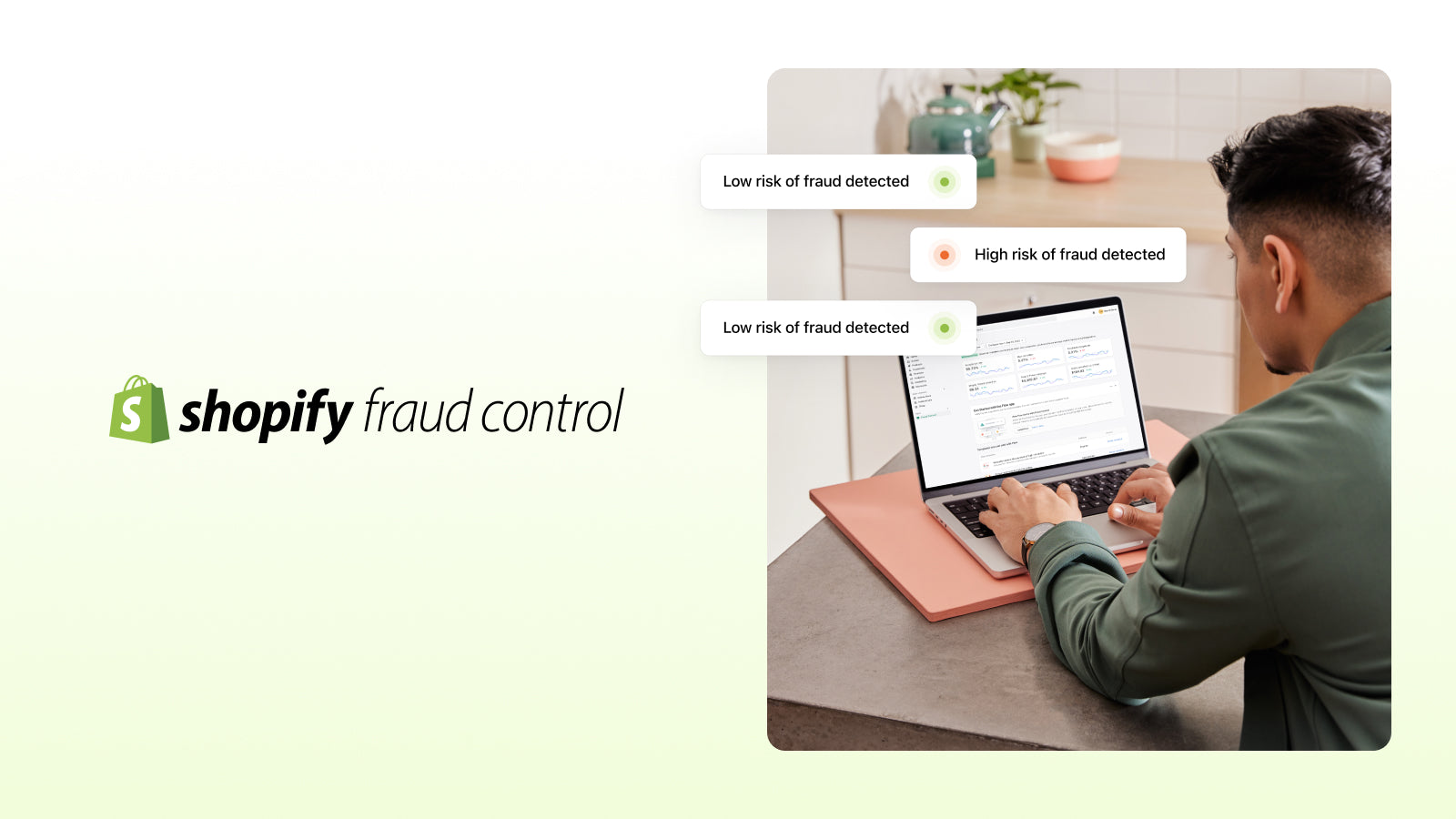
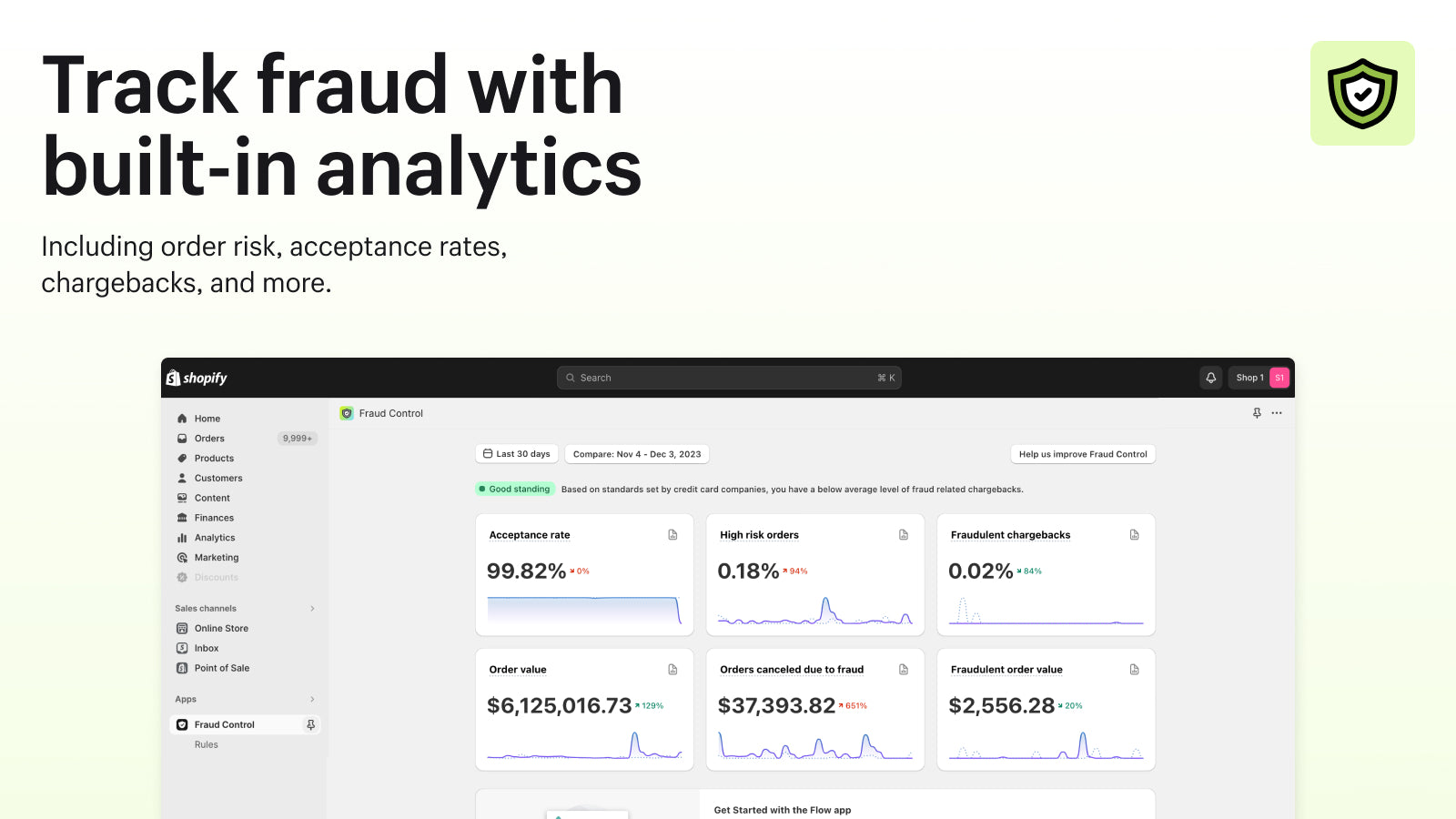
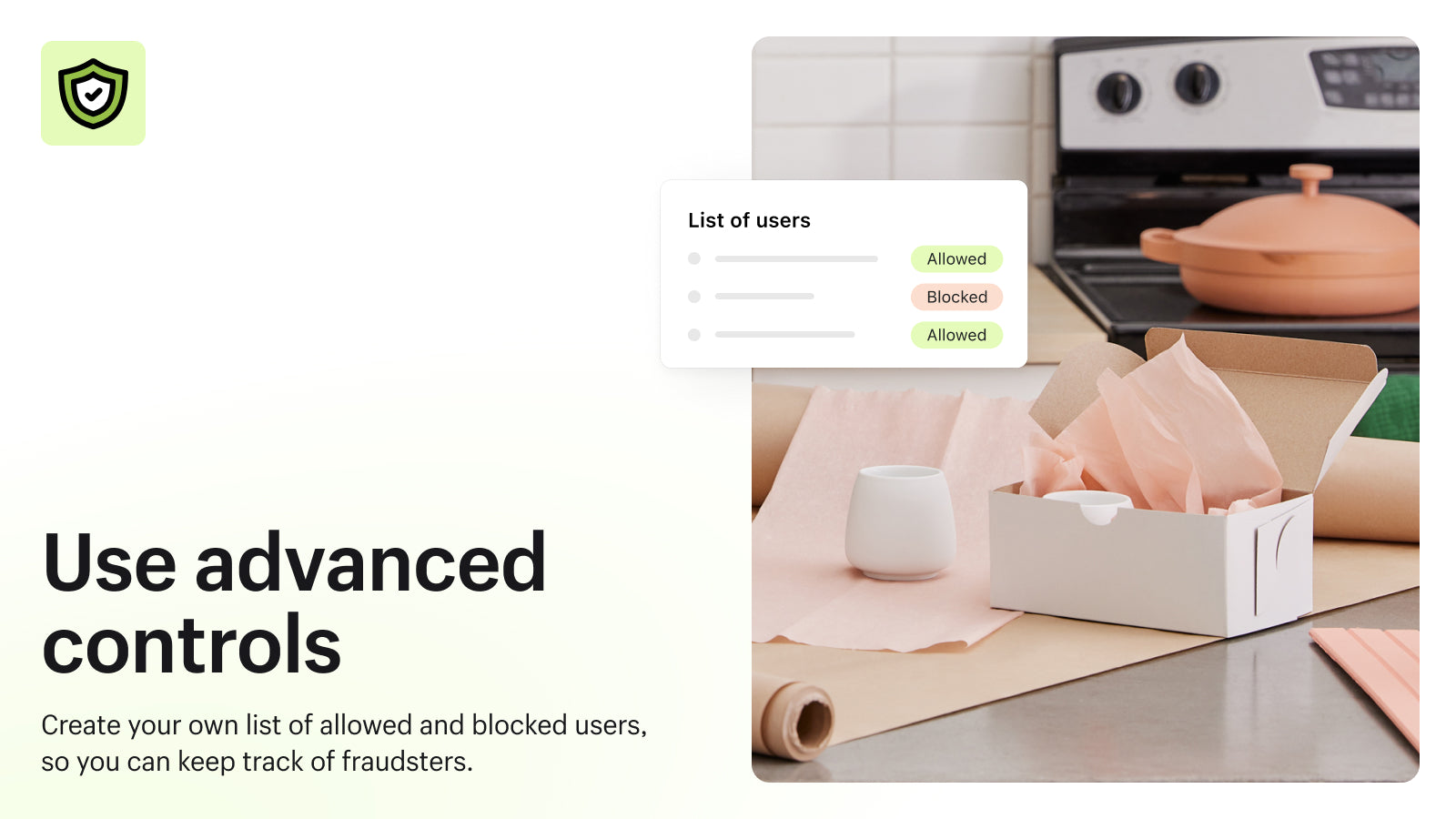
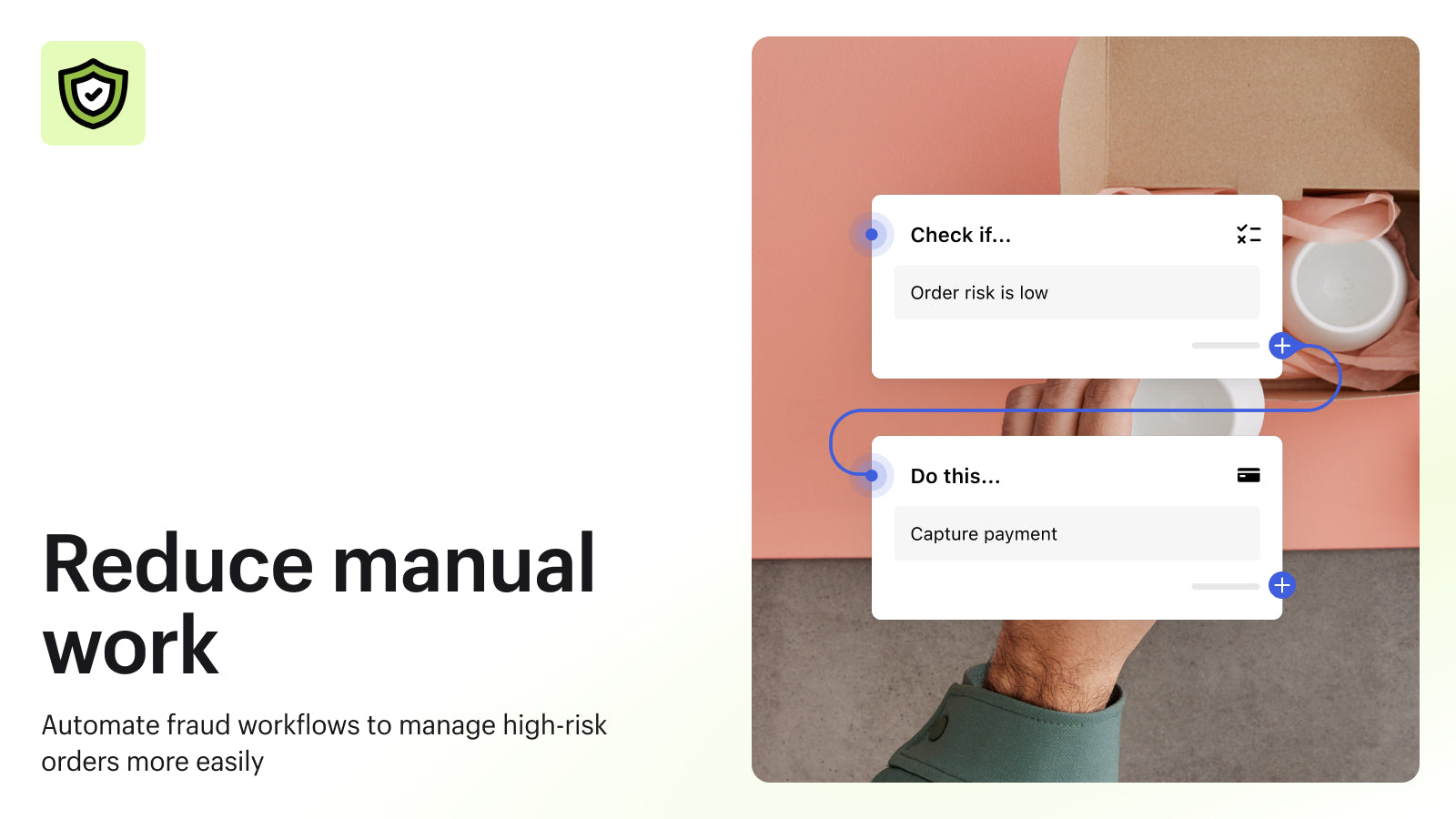
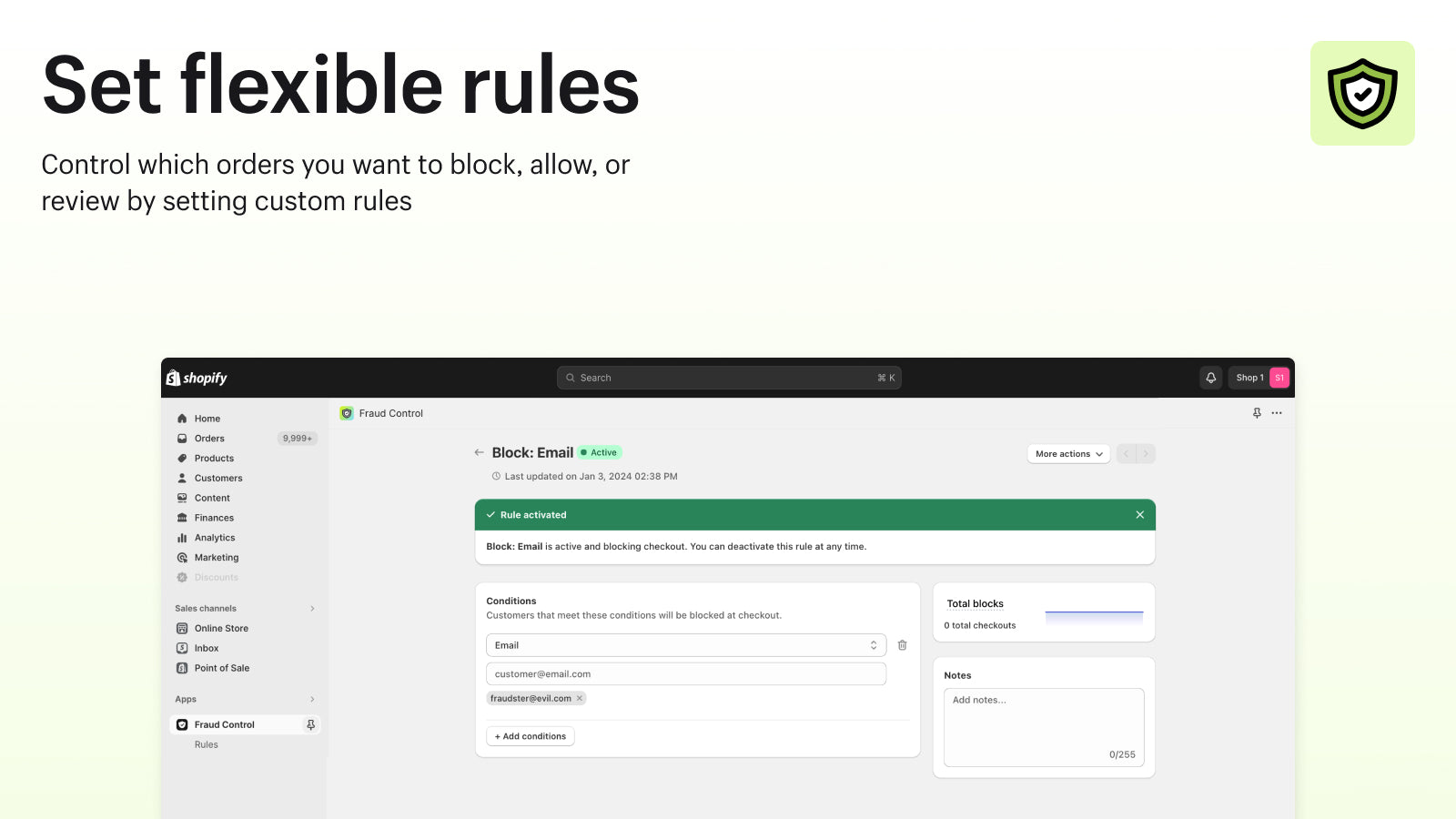
Block known fraud and automate operations to maximize revenue.
Fraud Control pricing plans
Not sure which plan to pick? Discuss plans with us, learn about custom pricing, or get a demo.
The app has 1 pricing plan: 1 free and 0 paid. The free plan offered by Fraud Control is .
The details of the plans are outlined below.
| Pricing summary | Free |
| Total pricing plan(s) | 1 |
| Number of free plan(s) | 1 |
| Number of paid plan(s) | 0 |
| Free trial available | No |
The table below highlights the crucial differences between Fraud Control and similar other Shopify apps based on parameters like ratings, reviews, features, pricing, etc.
| Apps | Add app | |||
| General information | ||||
| Ratings | 2.2 ★ (22 reviews) | 4.9 ★ (1,776 reviews) | 4.4 ★ (55 reviews) | |
| Developed by | Shopify | Blockify | Mercado Pago | |
| Launch date | 10 May 2023 | 13 March 2018 | 17 June 2024 | |
| Pricing | Free | Free, $9.99/month, $29.99/month, $59.99/month | Free | |
| Objective | Block known fraud and automate operations to maximize revenue. | Block fraud with IP blocker, bot blocker and country blocker | Refuerza la seguridad de tu tienda y mejora la aprobación. | |
| Categories | Fraud | Fraud, Geolocation | Fraud | |
| Key features & highlights | ||||
| Purpose | Know your fraud risk, stop recognized fraud, and streamline operations to increase profit. | Fraud filter & fraud prevention to redirect & block IP, block country, & block bots using Proxy/VPN | Refuerza la seguridad de tu tienda y mejora el proceso de aprobación de pagos | |
| Features list |
|
|
| |
| Highlights |
|
| — | |
| User reviews and ratings | ||||
| Recommended | 22.7% | 97.7% | 85.5% | |
| Pros |
|
| — | |
| Cons |
|
| — | |
| Pricing and plans | ||||
| Total pricing plans | 0 | 4 | 0 | |
| Free plan | Not available | Available | Not available | |
| Free trial | No | Yes, for 3 day(s) | No | |
| Technical information | ||||
| Rating | 2.2 ★ | 4.9 ★ | 4.4 ★ | |
| Total reviews | 22 | 1,846 | 55 | |
| Launch date | 10 May 2023 | 13 March 2018 | 17 June 2024 | |
Fraud Control offers automated tools to manage fraud operations and increase revenue. It uses analytics to evaluate your store's fraud risk and provides predefined or custom rules to prevent fraudsters from completing orders.
This Shopify app provides fraud prevention tools by enabling rule-based blocking of suspicious orders during checkout, leveraging fraud risk scores, AVS checks, and other order properties. Its strengths include customizable automation through Shopify Flow integration, allowing merchants to create tailored workflows for fraud detection, order cancellation, or tagging high-risk transactions. The app offers a fraud analytics dashboard and simplifies fraud management by reducing reliance on third-party services. However, limitations include the inability to block high-risk orders pre-checkout without manual Flow configuration, reliance on basic blocking criteria (email, IP, address), and occasional technical issues such as failed template links or integration disruptions with shipping platforms. While effective for some merchants, its usefulness depends heavily on proper Flow setup and may lack advanced fraud detection features like automatic chargeback blocking.
For any questions, concerns, or assistance with Fraud Control, the dedicated support team is readily available to help. To reach out to the support team, users can send an email to [email protected]. Additionally, Fraud Control offers a comprehensive FAQ section to address common inquiries and provide self-help resources in their app FAQ section.
Details of the Fraud Control are available in various languages on the Shopify app store, including English, Czech, Danish, German, Spanish, Finnish, French, Italian, Japanese, Dutch, Polish, Portuguese (Portugal), Swedish, Chinese (Simplified), and Chinese (Traditional).
| Support email | support |
| Contact number(s) | Not available |
| FAQ page | FAQ details |
| Privacy policy | Privacy details |
| Language support | English, Czech, Danish, German, Spanish, Finnish, French, Italian, Japanese, Dutch, Polish, Portuguese (Portugal), Swedish, Chinese (Simplified), and Chinese (Traditional) |
The list of top Shopify apps, features or software tools that Fraud Control seamlessly integrates with are given below.
| Name | Shopify |
| Profile | See all apps by Shopify |
| Website | View developer profile |
| Address | 151 O’Connor St, Ottawa, ON, ON |
How to install Fraud Control on your Shopify store
Your name, email and store domain go straight to the Shopify team.
Shopify contacts you directly to arrange setup for your store.
Perfect your store’s functionality without the pressure to move on until you’re ready.
Fraud Control has an overall rating of 2.5 stars from a total of 22 reviews on the Shopify app store. Of these, 5 (22.7%) are positive, 4 (18.2%) are neutral, and 13 (59.1%) are negative*.
*Ratings above four stars fall under positive review, three star reviews fall under neutral, and anything less than two stars falls under negative.
Very simple and safe rules which allows you to cancel high risk orders, charge payments on not high risk and block customers who left high risk orders.
I was a little confused by the poor reviews, but they were completely unfounded.After installing the app, the “Fraud Control” app appears on the left in the admin menu. And right below it is Rules. So it's not a button, but a menu item. You can then create rules there.
Simple to use and easy rule creation to block known fraudsters from checking out.
Useful app. make flow creation easier and fraud control analytics helps as well.
I think that the reviewers that are giving low scores here are missing the boat. This tool adds some powerful capabilities. It is not just the dashboard. It seems to conditions to FLOW. We were paying a 3rd party company to guarantee our orders against fraud. They accepted more than 99% of the orders which was good, but at a cost that added up to a high monthly amount. After installing Fraud Control, I went to create some creative FLOWs (you need this free app too) and each time an order came in it runs through plenty of rules and uses the fraud risk score which has been pretty good. AVS, and a slew of other properties of the order. I also exempt regular orders from this check and exempt Shop Protect orders from this check. I believe that we will have almost the same success rate as we had with the paid company. I let it run for a few weeks together and now removed the paid company. (I gave them a chance to reduce their cost first) I just added this to my 2nd store today, because of the success with the first store.I run this in conjunction with a paid invoice printing app and when the printing app sees a Fraud tag on the order (add by my flow), it prints a big "Don't ship - FRAUD" on the order. Now, I just need to add the same thing for a "HOLD" which I sometimes add to the order when needed in further examination which I haven't needed so far.I hope that everyone sees the benefit that I do and get the most from it causing Shopify to build it our even better.
Rankings, review momentum and install geography, refreshed weekly. Open the full charts for history, benchmarks and keyword detail.
Cumulative reviews · last 6 months
The key features offered by Fraud Control to Shopify store owners are:
Yes, Fraud Control seamlessly integrates with other Shopify apps or tools, such as Reports on the risk of fraud in your store., Graphs displaying fraudulent activities over time., Using Flow for automation to cut down time used on fraud..
No, Fraud Control does not offer any free trial.
The app offers 1 plan that is forever-free.
Fraud Control is completely free to install and use. Additional charges may or may not apply.
Yes, Fraud Control allows its subscribers to cancel or upgrade their subscription plan at any time.
Yes, Fraud Control offers a dedicated support team for any kind of app-related assistance. To reach out to the support team, users can send an email to [email protected]. Additionally, Fraud Control offers a comprehensive FAQ section to address common inquiries and provide self-help resources.
Please reach out to their support team at [email protected] to confirm its compatibility with your specific Shopify theme.

Automated system for disputing chargebacks and preventing fraud, providing 10 times return on investment.
Most popular Shopify apps on the market

Product reviews with pictures and videos for credibility and search engine optimization.

Display your products to billions of TikTok users.

Simplify all tasks and focus on your business.

Increase your brand visibility and communicate with customers on Shop.
Writing reviews on ShopDigest is coming soon.
Very simple and safe rules which allows you to cancel high risk orders, charge payments on not high risk and block customers who left high risk orders.
I was a little confused by the poor reviews, but they were completely unfounded.After installing the app, the “Fraud Control” app appears on the left in the admin menu. And right below it is Rules. So it's not a button, but a menu item. You can then create rules there.
Simple to use and easy rule creation to block known fraudsters from checking out.
Useful app. make flow creation easier and fraud control analytics helps as well.
I think that the reviewers that are giving low scores here are missing the boat. This tool adds some powerful capabilities. It is not just the dashboard. It seems to conditions to FLOW. We were paying a 3rd party company to guarantee our orders against fraud. They accepted more than 99% of the orders which was good, but at a cost that added up to a high monthly amount. After installing Fraud Control, I went to create some creative FLOWs (you need this free app too) and each time an order came in it runs through plenty of rules and uses the fraud risk score which has been pretty good. AVS, and a slew of other properties of the order. I also exempt regular orders from this check and exempt Shop Protect orders from this check. I believe that we will have almost the same success rate as we had with the paid company. I let it run for a few weeks together and now removed the paid company. (I gave them a chance to reduce their cost first) I just added this to my 2nd store today, because of the success with the first store.I run this in conjunction with a paid invoice printing app and when the printing app sees a Fraud tag on the order (add by my flow), it prints a big "Don't ship - FRAUD" on the order. Now, I just need to add the same thing for a "HOLD" which I sometimes add to the order when needed in further examination which I haven't needed so far.I hope that everyone sees the benefit that I do and get the most from it causing Shopify to build it our even better.
To access this app’s functionality, you need to open the “Rules” submenu from the left-hand navigation. Unfortunately, this submenu does not always appear and may require refreshing the browser tab.Additionally, pinning the app to navigation can cause it to disappear entirely. If this happens, you’ll need to locate the app via search, open the (…) menu in the upper-right corner, and unpin it from navigation. After refreshing your browser and reopening the app from search, Fraud Control should reappear in the left-hand menu under Apps.At that point, another refresh is often required before the Rules submenu becomes visible.5 months later, a discovery:At first glance, it seems like you can only block a single email address per rule, which makes the feature feel pretty limited. It is possible to filter by more specific conditions like IP address, billing address line 1, billing ZIP code, shipping address line 1, and shipping ZIP code, but the interface makes this incredibly hard to discover. You have to go into “Rules” and add parameters one by one, and each click reveals a RANDOM different field. There’s no visible list of what’s available, so the only way to find them is by repeatedly clicking through options. It’s a very unintuitive setup, but it does allow you to block highly specific details like a billing or shipping address.
There is no option to block the whole domain from which the fraudulent transactions / abandoned fake baskets come from. In my case it's @example.com . Multiple different emails from this domain. I cannot possibly block each and every fake email address, I would like to block the whole 'example' domain. Also, there is no option to block specific names/customers.
The app is useful if you take the time to understand and configure the rules correctly. Managing the messaging shown to customers when a checkout is blocked is important, as the default language is too soft for effective deterrence.One major drawback is the lack of visibility into who is actually being blocked at checkout. All blocked users remain anonymous, so you only see aggregate counts rather than actionable detail. Greater transparency here would significantly improve the product.Lastly, you can edit what the blocked customer sees by searching the language for "Decision rule block"
ShopDigest is an independent directory of Shopify work. Developers, agencies and experts publish the projects they’ve actually shipped — migrations, rebuilds, custom apps, headless storefronts — with the results attached.
For merchants, that means judging a partner on evidence instead of a sales page: browse real builds in your category and budget, then reach out directly. For builders, it means one profile that keeps working after the project ships.
No commissions, no pay-to-rank placements. The best work rises because people save and follow it.
More about ShopDigestA portfolio directory for the Shopify ecosystem — builders publish, merchants browse, nobody buys a better position.